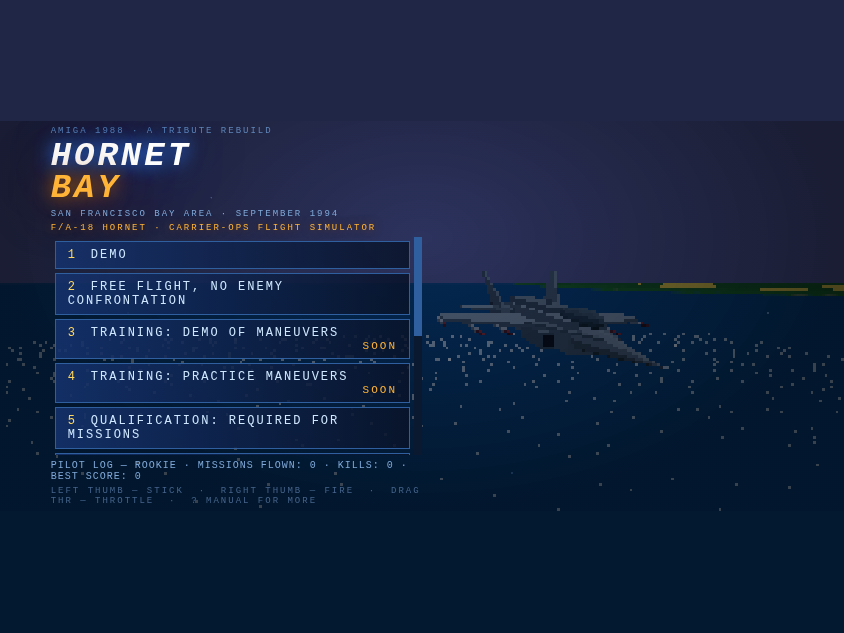
A correction to this morning’s scoreboard: the five counters on the title screen are totals for every Hornet Bay pilot — they were never meant to be yours. One path got that wrong, and it’s fixed.
The slip. If the fleet counters couldn’t be reached, the strip swapped in this browser’s own flight record. It was labelled YOUR LOG, but it sat in the fleet’s tiles and read like a very small fleet.
The fix. That fallback is gone. After every good load the strip remembers the last fleet totals; if the board is down it shows those, marked LAST KNOWN TOTALS. With nothing remembered it hides rather than guess.
Where your numbers live. Your own record stays in the pilot log line under the menu and on screen 4, YOUR CURRENT FLIGHT LOG STATISTICS. Fleet up top, you down below.
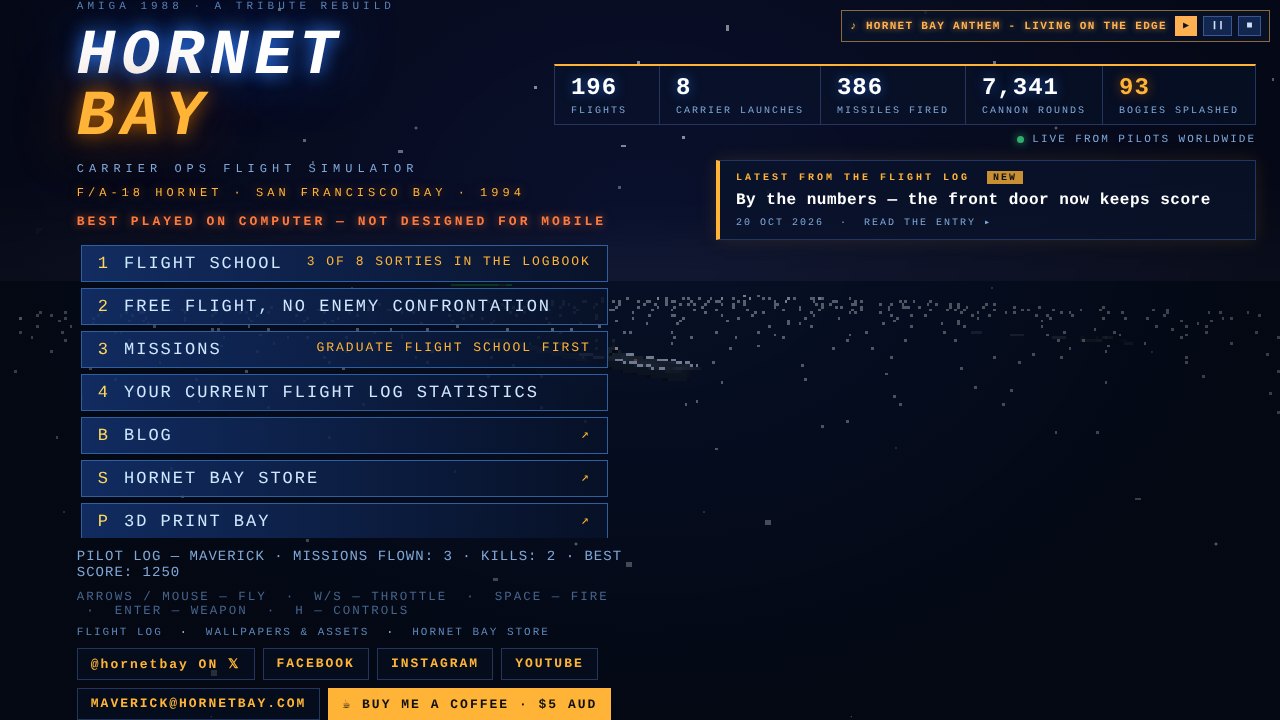
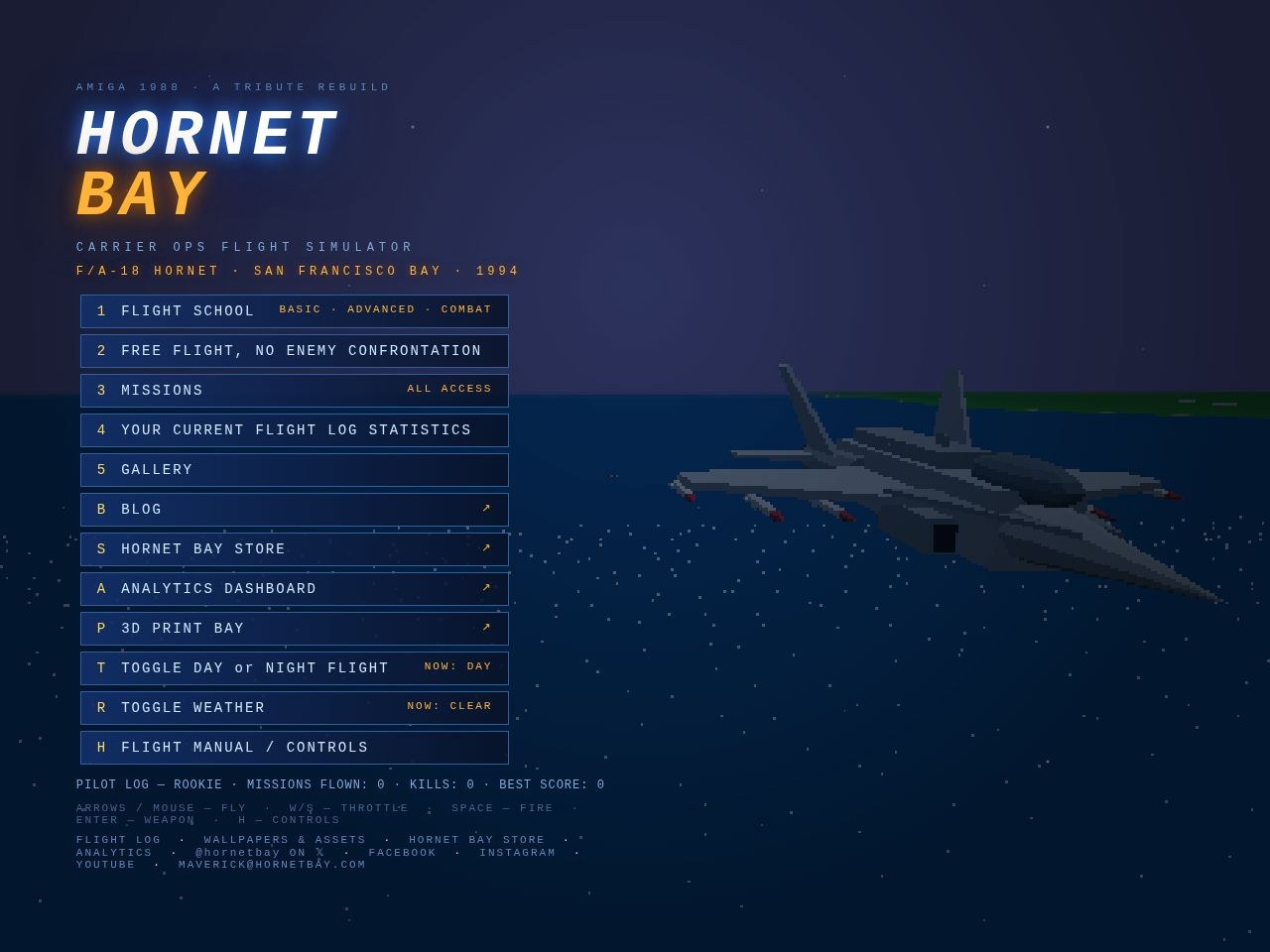
The front door just grew a scoreboard. Five counters now sit under the logo, and they count up from zero every time the page loads — live numbers from every pilot who has ever flown the bay.
Flights. Every sortie launched, missions and free flight alike.
Carrier launches. Cat shots off the boat in free flight. Launches inside a mission aren’t counted yet, so this one runs low.
Missiles fired & cannon rounds. Sidewinders and AMRAAMs off the rails, 20 mm through the Vulcan. The cannon figure climbs fastest — she fires 28 rounds a second.
Bogies splashed. MiG-29s sent down by a player, in amber because it’s the number that matters. Other bandits aren’t on the tally yet.
Click through. The strip opens the full analytics board. If the fleet counters can’t be reached it shows the last known totals, and on short windows it floats top-right so the menu keeps its room.
Fly a sortie, come back, and watch the numbers climb. — HB
The mail was blunt: the gear overspeed warning is distracting, it’s annoying, and nothing actually happens if you fly fast with the wheels out. All true. Hornet Bay has never modelled gear-door stress or a collapsed strut — the amber nag was scolding you for breaking a rule that didn’t exist. So it’s gone.
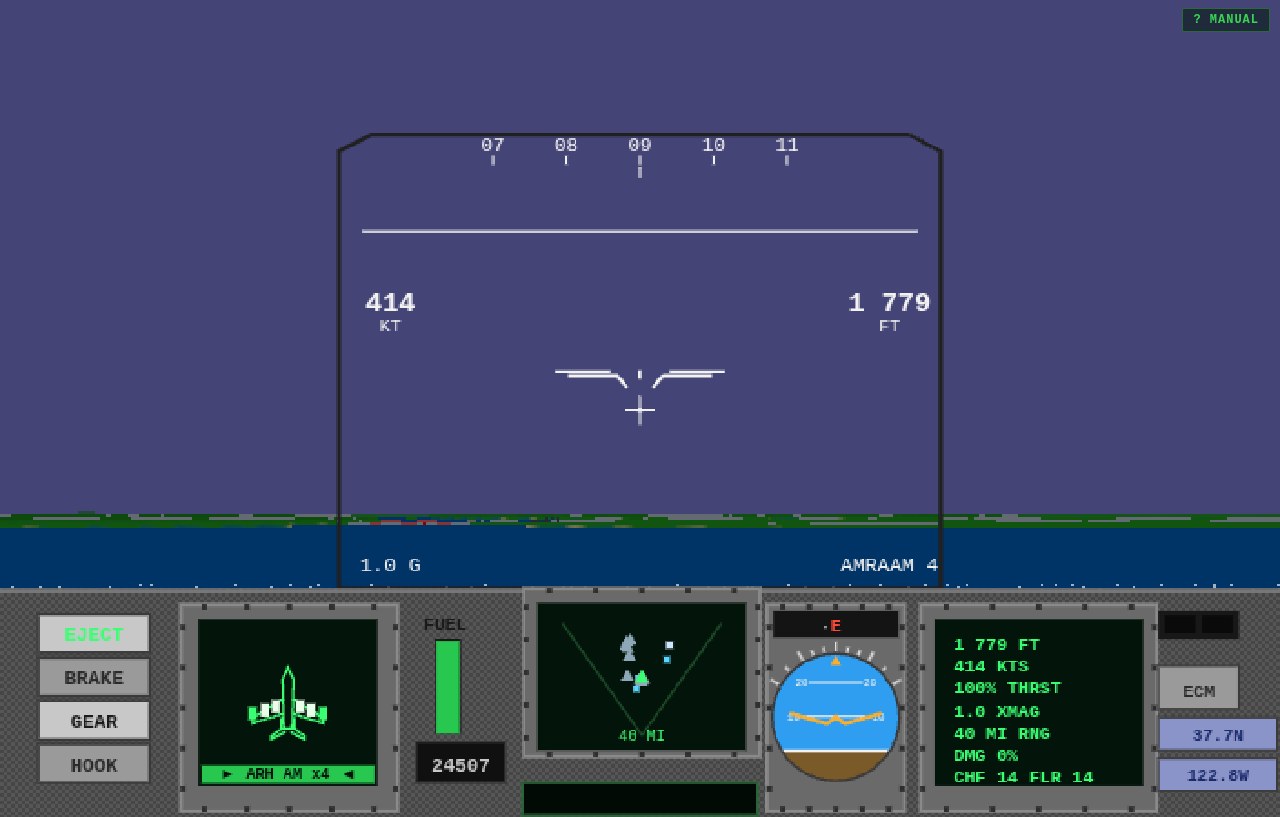
Off the HUD. The flashing amber GEAR OVERSPEED under the gunsight is deleted. Dirty up at 400 knots and the glass stays clean — the warnings that remain, STALL and MISSILE and LOW FUEL, are the ones that can actually end your day.
Off the net. The toast that popped when you dropped the gear above 300 knots went with it. Press G at any speed and the only answer is the clunk of the struts and the drag on the airframe — which was always the real consequence.
The drag stays. Wheels out still cost you speed and fuel, so pattern discipline is unchanged: gear up when you’re climbing, gear down when you mean it. The jet just trusts you to know.
Fly as dirty as you like. She’ll slow down — she won’t lecture. — HB
The mail said the cockpit had gotten chatty — airliners announcing every departure and arrival out of SFO, the Orion narrating its patrol, the E-2 reading the scope picture to nobody in particular. All true, and all noise. The net is quiet now: if a call doesn’t concern your mission or your jet, it isn’t made.
The ambience stays, the announcements don’t. The airliners still fly the 01s around the clock, the P-3 still works the sea lanes, the wing still cycles off the boat — you just don’t hear about it. The world lives; the radio stops narrating it.
What still breaks squelch. Mission calls and objectives, your wingman, cat and trap calls for your jet, check-fire warnings, damage, missiles in the air — and the E-2’s bogey call when something hostile is closing. The one ambient voice that earns its keep keeps its mic.
One switch, one policy. Every ambient feed now routes through a single deliberate silence in the code. A future change of heart flips one function, not five systems.
Fly the pattern and the only voices left are the ones you’re flying for. — HB
Three site chores landed in one sweep — one visible alignment fix, one clickable banner, and a full dress uniform for every journal link you share:
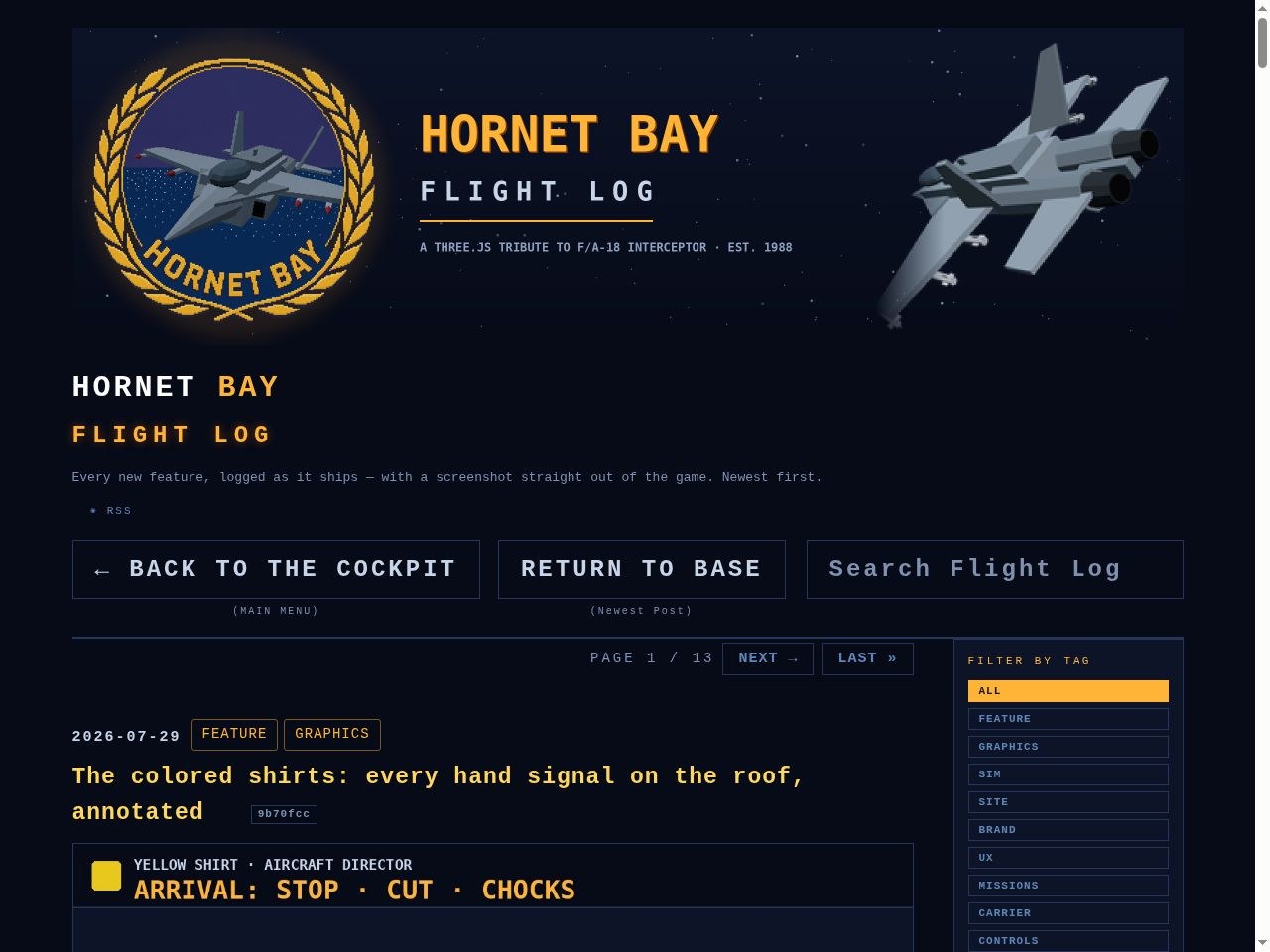
The search box is back in formation. Search Flight Log rides the same row as BACK TO THE COCKPIT and RETURN TO BASE — 59 pixels to 59 pixels, tops aligned — while the squadron-store links keep the row below to themselves. Phones stack the lot, search full-width.
Every post now ships its cards. All 134 journal entries carry an optimised meta description (cut at a sentence where one fits, 155 characters budget), a complete Open Graph card — image with its true pixel dimensions read off the file, secure URL, type, alt text, locale, published time and one article:tag per squadron — and a complete Twitter card: summary_large_image, site and creator @hornetbay, a title trimmed to 70 characters, and alt text on the image. Drop a link anywhere and it arrives in dress uniform.
The banner flies home. The laurel header on every one of the 212 pages is now a link back to the homepage, with a soft amber glow when you hover it. One template, one shared stylesheet, one sweep — every page born from here on carries it.
Found and fixed in the sweep: four old headlines carried spliced markup from an ancient hash-stamp — one title duplicated mid-word, four wearing two hash badges. All repaired, and the rebuild now audits every page: descriptions under 160, Twitter titles under 70, no exceptions.
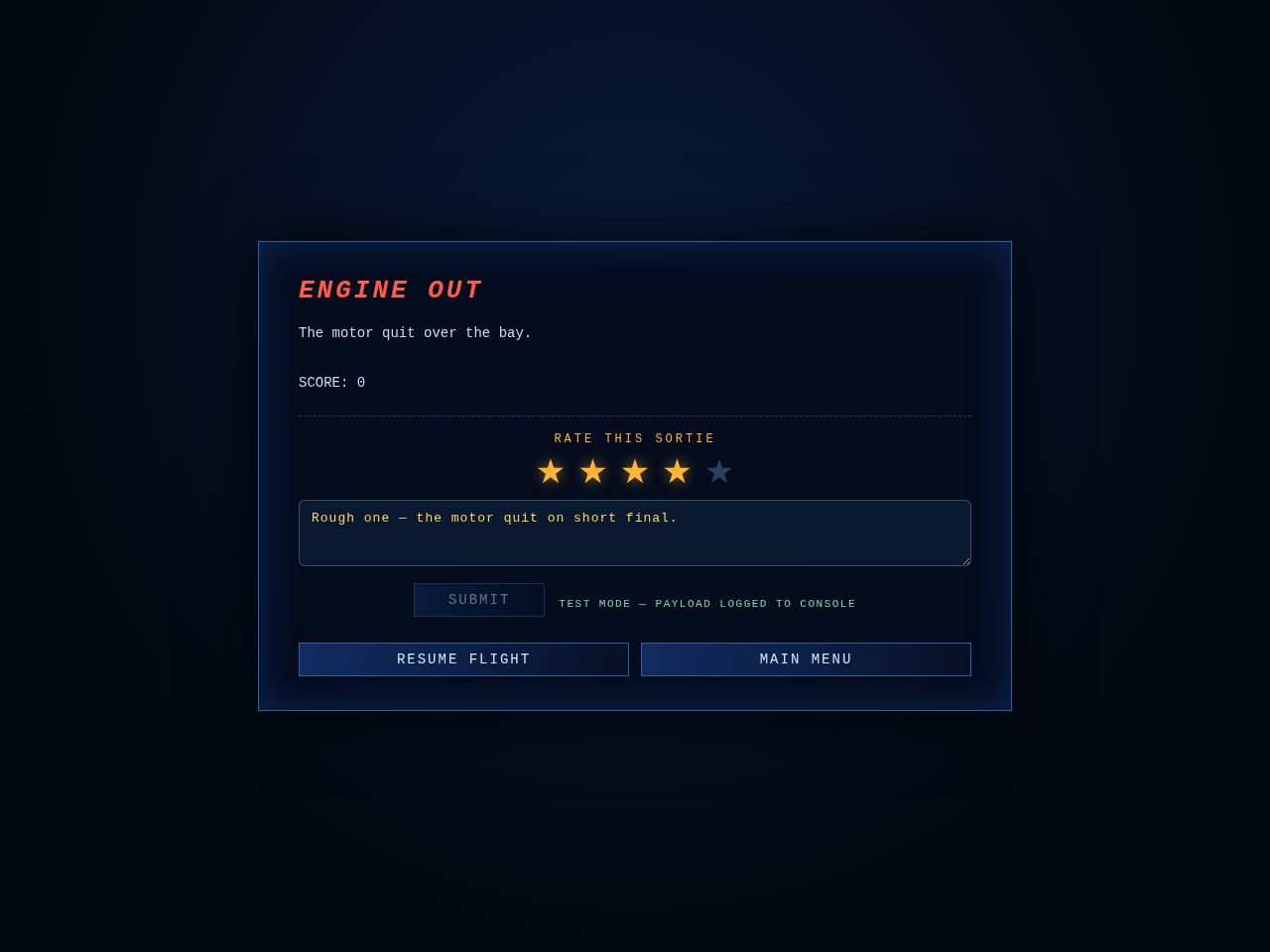
Every sortie now ends with one quick question. Mission complete or mission failed, the debrief card carries a poll — and if you go into the bay, the tower asks on the way out:
The poll rides the debrief. RATE THIS SORTIE: one to five amber stars, an optional note for the tower, SUBMIT. No extra screens — it’s part of the card you’re already reading, once per sortie.
Crashes get their own card. The 1988 original dumps you straight back at the menu — no paperwork, no debrief. That stays. But once the wreck or the chute ride has settled, an AIRCRAFT DOWN card asks the same quick question, with SKIP right there if you’d rather not.
It speaks up exactly once. The crash gate used to re-fire every frame — fine when it just quit to the menu, fatal for a form. The gate now closes as the card opens, so your stars and your note are never stomped mid-sentence.
Wiring is a two-minute job, deliberately. Ratings post to a form-service endpoint (Formspree or Web3Forms free tier): paste one URL into FEEDBACK_ENDPOINT and every submission lands in that dashboard and emails [email protected]. Until then the poll stays hidden, and ?fbtest flies it in test mode with the payload logged to the console — no backend, no database, no monthly bill for a site this size.
Each report carries the sortie with it — stars, note, mission id, result, score, kills, timestamp and browser — enough to spot a rough mission or a rough build without a server of our own.
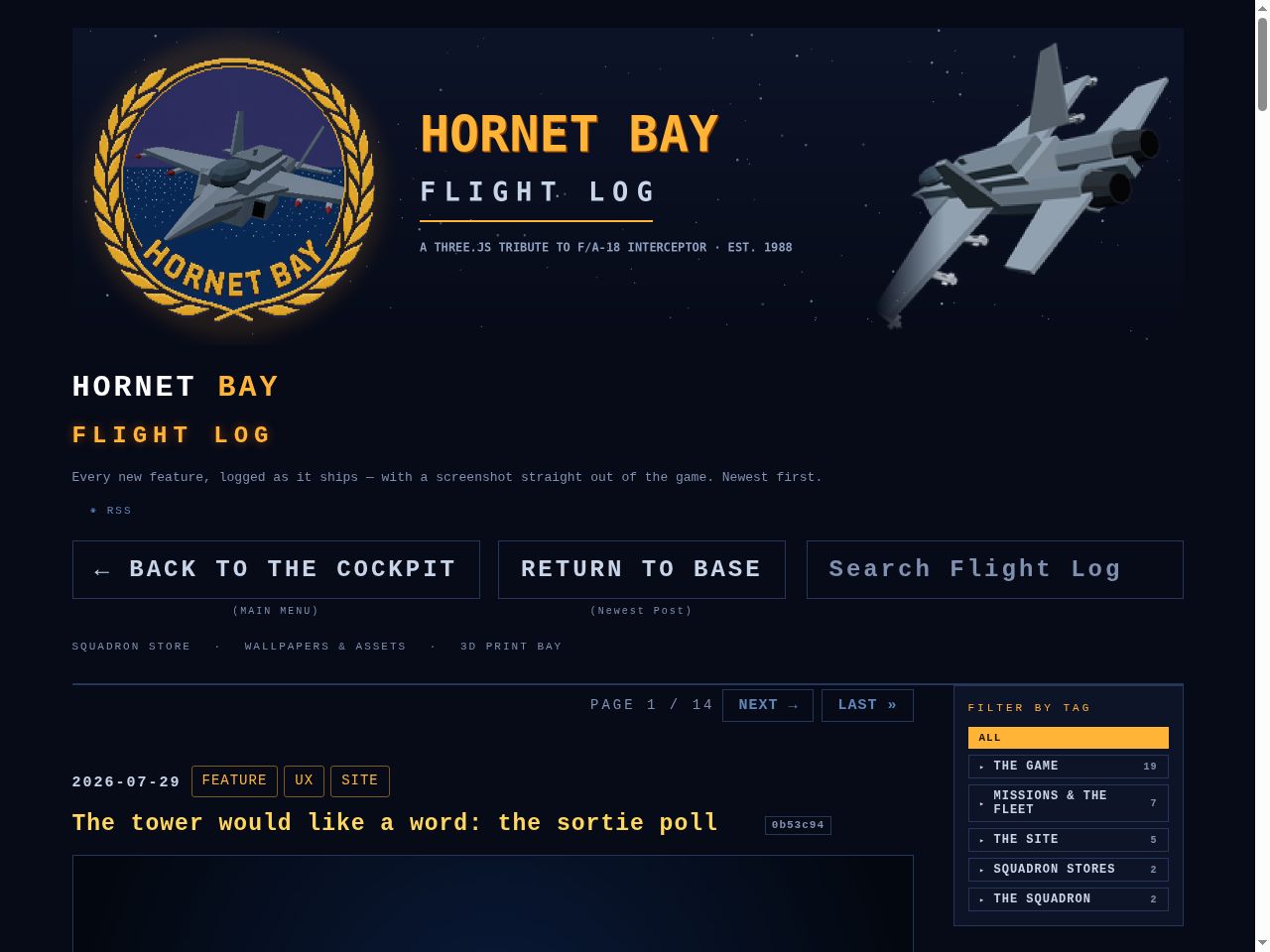
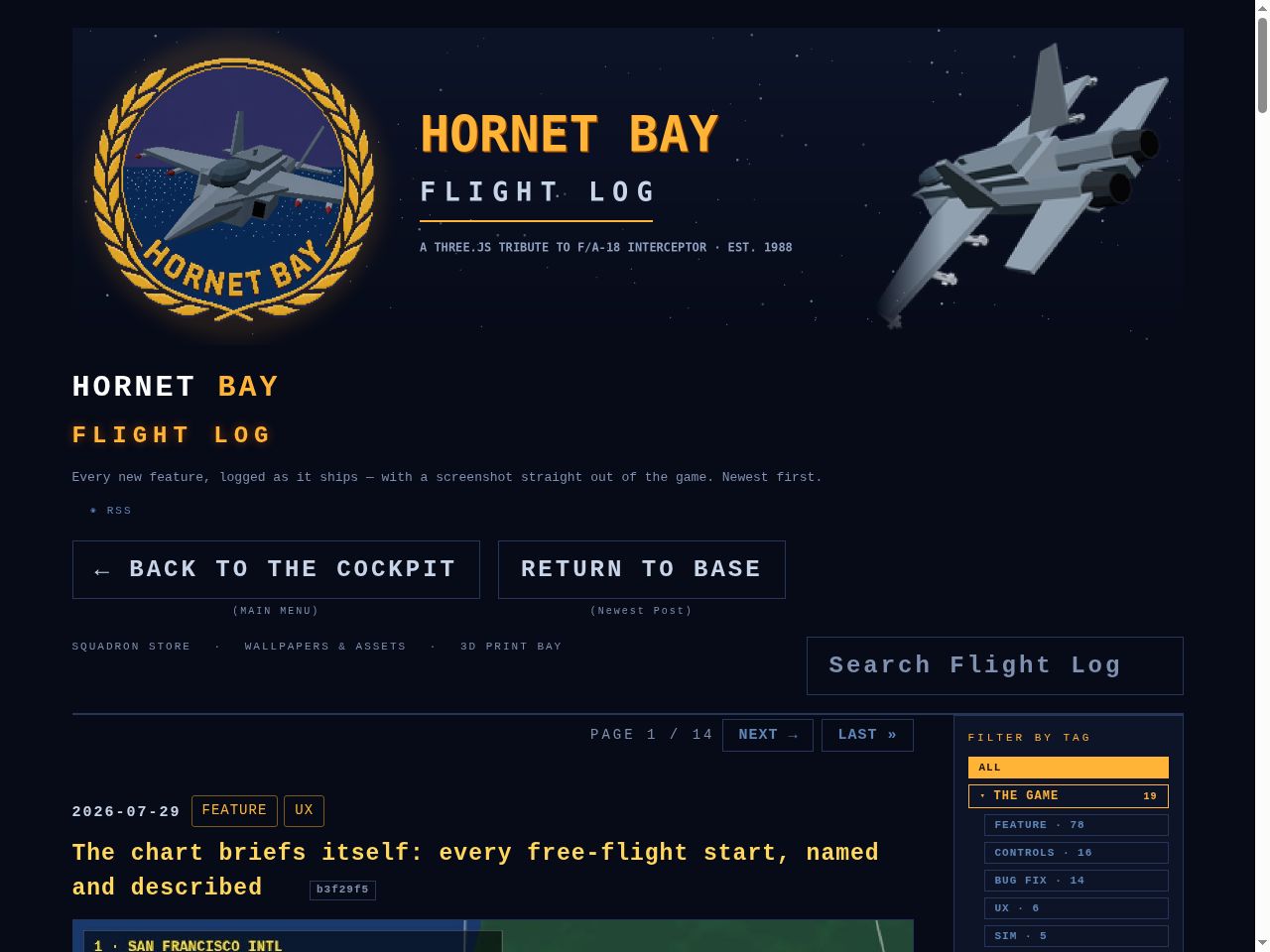
Thirty-five tags was a roster, not a filing system. The flight log’s sidebar now squadrons up — five parent categories with the child tags tucked into sub-menus — and a little menu housekeeping flew the same sortie:
Five squadrons, every tag assigned. THE GAME (19 tags: FEATURE, CONTROLS, BUG FIX, SIM, the whole flying machine), MISSIONS & THE FLEET (7), THE SITE (5), SQUADRON STORES (2) and THE SQUADRON (2). Parents show their child count and open an accordion of chips — one squadron on the board at a time, each child carrying its post count.
The rail still flies the same. Clicking a child filters exactly like before, the parent lights amber when one of its own is on the board, and a #tag= link auto-opens the right squadron — search and paging are untouched.
Duplicate spellings merged. FIX and BUGFIX both become BUG FIX — 37 tags down to 35 and one spelling from here on. The old flat tag strip stays in the markup for the crawlers but no longer takes up the page.
Same sortie, lighter menu. GALLERY has left the main menu — spectate view does its job now — and the ANALYTICS dashboard page is retired (the counters still tick quietly in the background). The social chips on the menu footer and every blog footer are bigger, bolder, and a lot easier to hit.
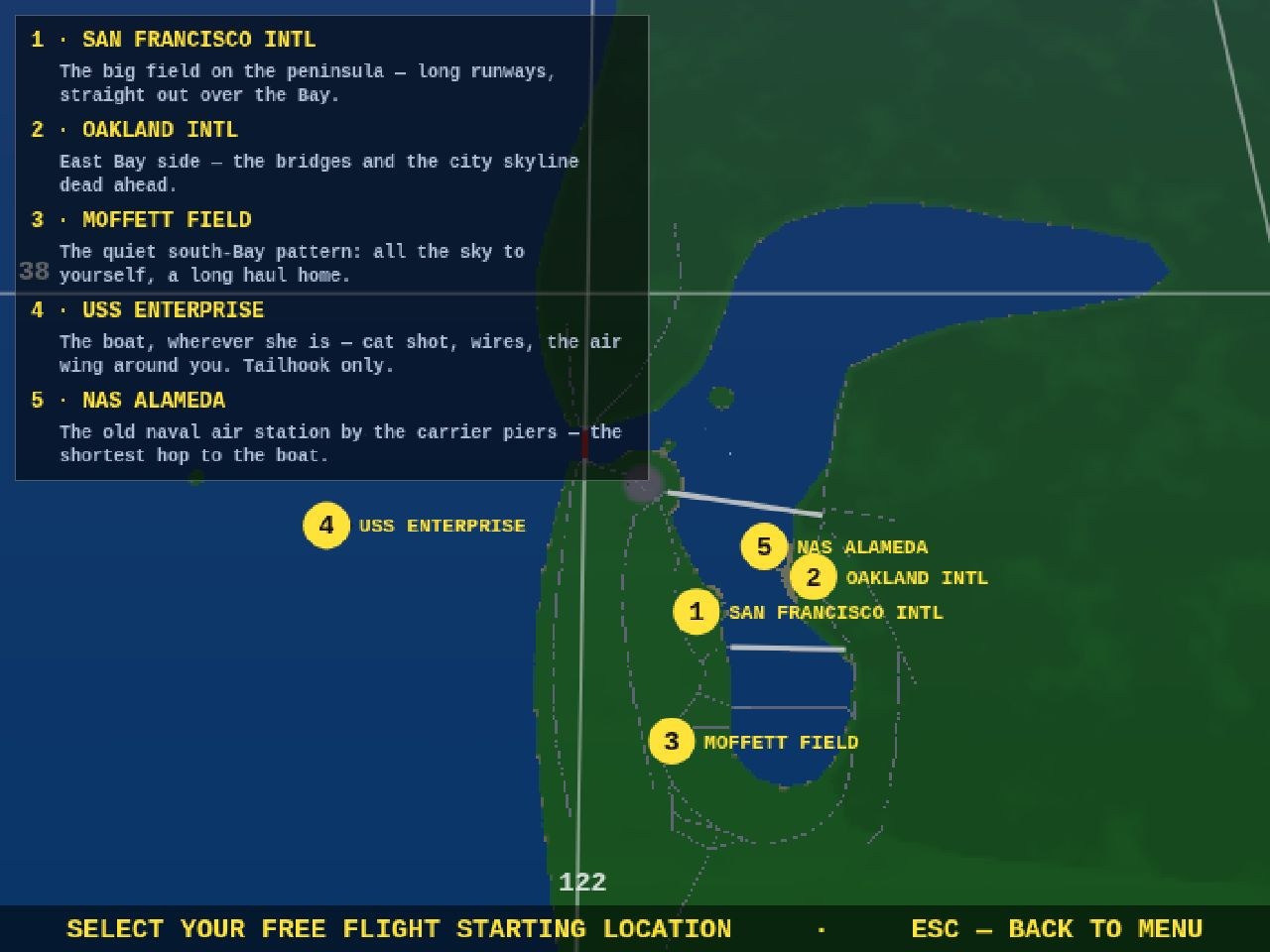
The free-flight map used to give you five yellow numbers and wish you luck — fine if you grew up on the Bay, less fine if you just wanted to know which dot was the boat. The chart now briefs:
Every marker wears its name. SAN FRANCISCO INTL, OAKLAND INTL, MOFFETT FIELD, USS ENTERPRISE, NAS ALAMEDA — the field’s title rides beside its number, flipping sides near the screen edge so it never clips.
A legend panel with one-line briefs. What each start is good for: SFO’s long runways, Oakland’s view of the bridges, Moffett’s empty south-Bay pattern, Alameda as the shortest hop to the piers — and the Enterprise flagged plainly as cat shot, wires, and tailhook only, so the USAF-jet surprise on the next screen is no longer a surprise.
The numbers still pick the spot, ESC still steps back — the map just finally tells you where you’re going before you go.
A full audit of every menu, sub-menu and page on the site — hunting for dead ends, clipped text, hidden keys and wandering navigation. Nine issues found, nine issues fixed:
In the cockpit
ESC was dead on the free-flight map. Pick FREE FLIGHT, change your mind — and there was no way back short of reloading. ESC now steps back to the menu.
ESC was dead on plane select. Same trap, one screen later. ESC now steps back one level: to the start-point map for free flight, to the menu for a mission (where BACK TO MISSION waits).
The plane-select line was clipped. Five jets and the toggles on one line ran clean off both edges of the screen — you literally could not see the F-16 or the Tomcat. The bar is now a three-row panel: two rows of aircraft, then TIME / WX / ESC, every option visible.
Every selection bar now says so:ESC — BACK rides the map select, plane select and briefing bars.
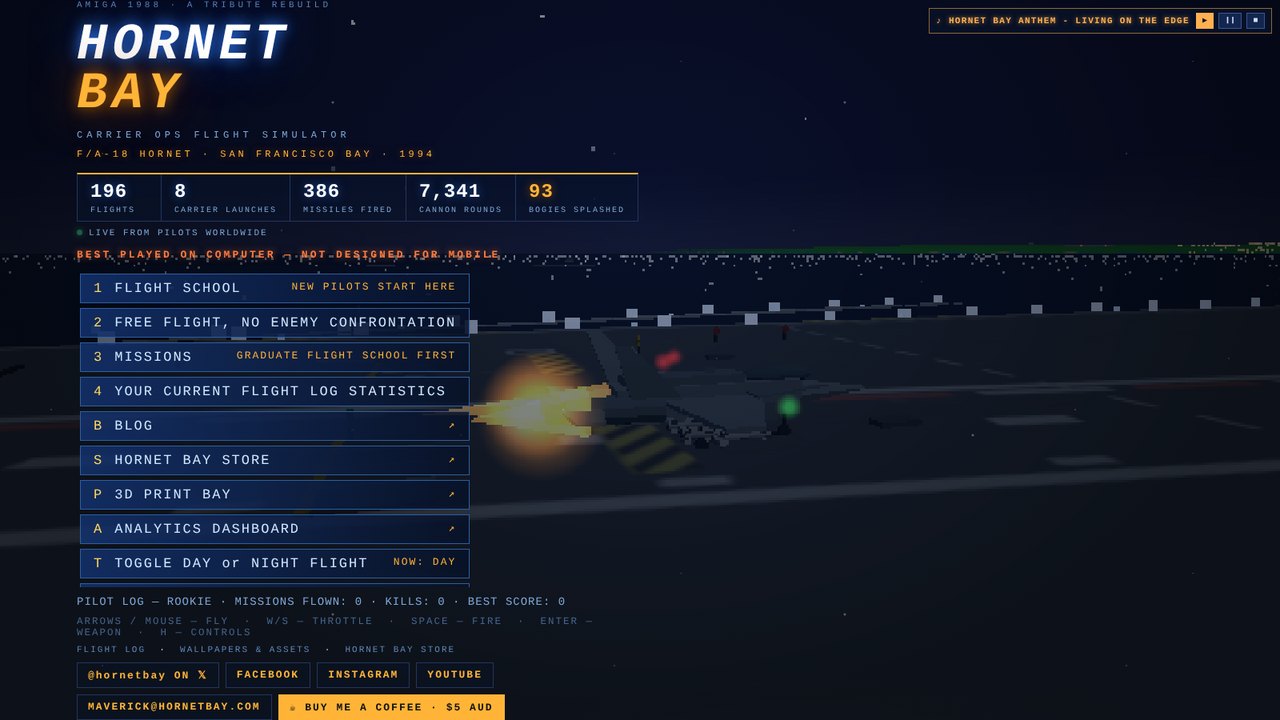
Main-menu keys renumbered and shown. The rows were bound to 1, 2, 6, 8, 9 — with the badges hidden, so three dead keys and no way to discover the live ones. Now 1–5, sequential, and every row wears its key like the sub-menus always did.
Mission keys every keyboard has. The board was bound F1–F16 — and F13–F16 don't exist on most keyboards, leaving four missions mouse-only. The board now runs 1–9, 0, A–F with badges shown; F1–F12 stay bound as silent aliases for anyone who learned them.
FLIGHT MANUAL wears its H.
On the site
One site ring on every page. Cross-links used to wander the headers — STORE · ASSETS here, STORE · ASSETS · PRINT there, nothing at all on the blog. Now all 209 pages carry the same row under the nav buttons: SQUADRON STORE · WALLPAPERS & ASSETS · 3D PRINT BAY · ANALYTICS, with the current section painted amber. It lives in the shared template, so every future page is born with it.
Sub-headings in posts are styled — amber, letter-spaced, on-guide — instead of falling back to browser defaults.
What survived the audit unchanged: the masthead stack, the two-button nav rail, the blurb sizes, the search rail, the tag cloud and the mobile stacking — all already in formation. One look, one feel, every page.
A header refit, by request. The journal search used to ride the top right of the masthead in a smaller cut than the navigation buttons — now it steps down onto the button rail and dresses like company:
Same rail, same height. The search box leaves the masthead and sits on the same line as ← BACK TO THE COCKPIT and RETURN TO BASE — identical font, padding and border, all three boxes exactly 59 pixels tall.
Same dimensions as the buttons. It wears the 24-pixel bold cap, the 3-pixel letter spacing and the same one-pixel rail border — no background fill, exactly like its neighbors. On a phone it drops to the buttons’ 20-pixel cut and stacks full-width beneath them.
It answers to a new name:Search Flight Log — what it always searched, now said plainly.
Nothing lost. Live filtering, the × clear button (tucked inside the box), and the pasteable #q= hash all work exactly as before.
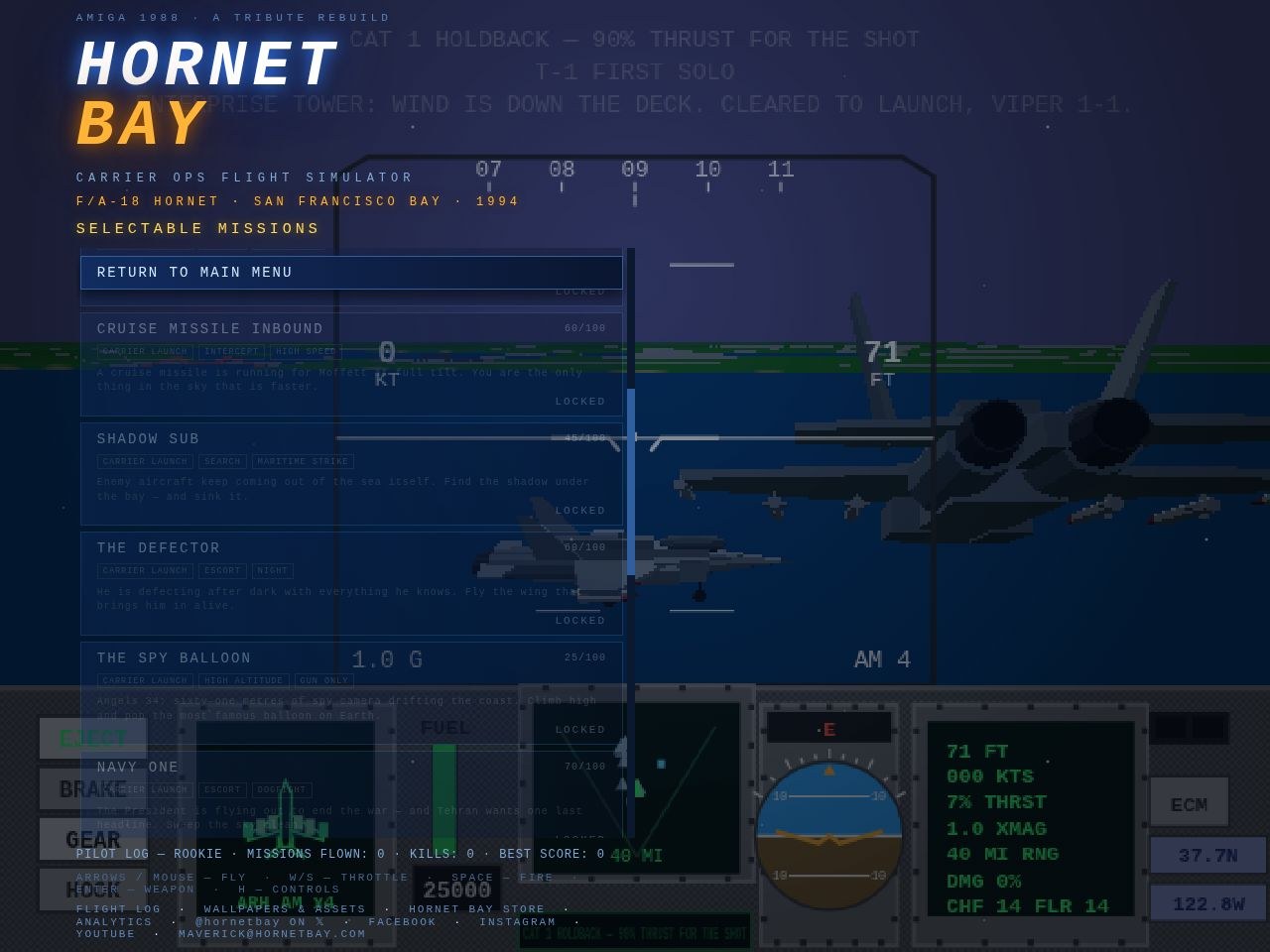
Menu navigation should never be a scrollathon. Three courtesies, all about never being stranded:
RETURN TO MAIN MENU is pinned at the top of every sub-menu. The campaign board, the flight school syllabus, the pilot log — the button now leads the list and it is sticky: sixteen mission rows can scroll under it and the way home never leaves the glass. The bottom ESC row stays too, and ESC still steps back one menu.
BACK TO MISSION on the main menu. Bail out of a briefing with ESC — easy to do when the teletype is running — and the main menu now offers one button (or the M key) straight back to that brief, mission title chalked on the tag. Launching the sortie retires the button; quitting mid-flight still gets RESUME FLIGHT instead.
Consistent everywhere. Same button, same position, same key — school, campaign and log behave identically, so the map in your head is the map on the screen.
Product call from the boss: "Instead of waiting for the phone to rotate, just serve the game and fix for landscape. The user will figure it out." Correct. So the ROTATE YOUR DEVICE overlay is gone. A phone held upright now gets the game immediately — the whole thing laid out for landscape and spun 90 degrees, menu included (above). It looks sideways on an upright phone; the pilot turns the phone; done. The gyro, once permitted (one tap, asked on the first touch), simply flips which way the game spins if they turned the "wrong" way, and a viewport that genuinely rotates to landscape always wins natively. Rotation lock is now fully irrelevant either way.
Serving the menu inside a portrait viewport surfaced two fun bugs. One: engaging the spin at startup called the resize path before the HUD module existed — a TDZ crash that only fired in portrait, leaving the menu unbuilt (thank you, errbox). The re-layout is now deferred a frame. Two: the compact phone menu is gated on @media (max-height: 480px) — and a portrait viewport is 844 tall, so the full-size desktop menu rendered into a 390-tall game screen and the flex column crushed the button list to 33 pixels. The compact rules are now replicated under sideways mode, along with swapped vw/vh units throughout, and the suite checks the menu is genuinely tappable through the rotation: 51/51.
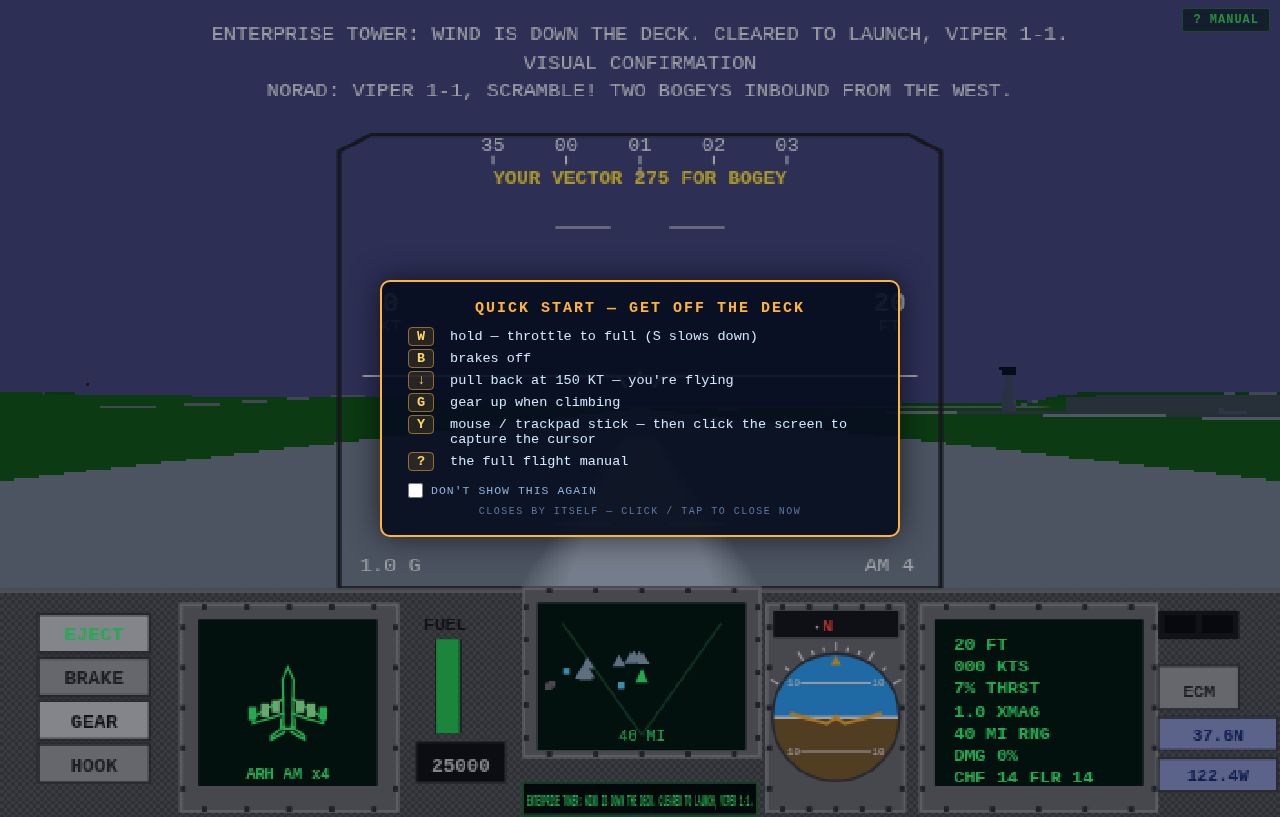
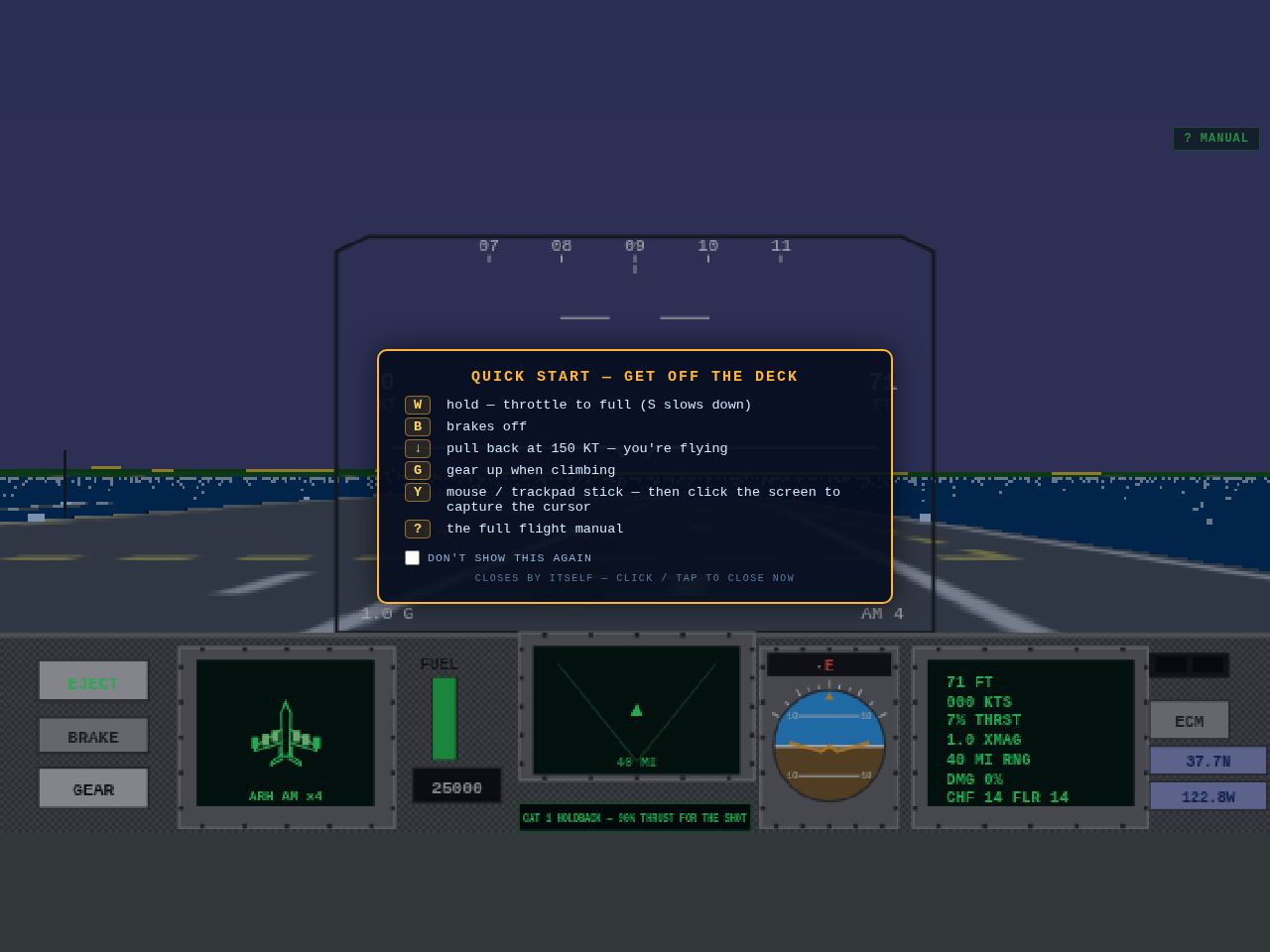
First feedback from a new pilot on a MacBook: "can't get off the ground." Fair — the sim never told you how. Three fixes. Every launch now opens a quick-start card with the handful of keys that get you airborne (W to firewall the throttles, B brakes off, pull back at 150 knots, G gear up, ? for the full manual) — it fades by itself, closes on a click, and has a don't-show-again tick for veterans. The DEMO menu item actually demos now: it hides the menu and plays the attract loop full-screen until any key brings you back (previously it did exactly nothing, since the demo jet was already flying behind the menu). And the mouse stick grows up: press Y, then click the screen to capture the cursor — pointer lock turns relative movement into stick deflection, which is how the Amiga original flew and, crucially, the only way a trackpad can.