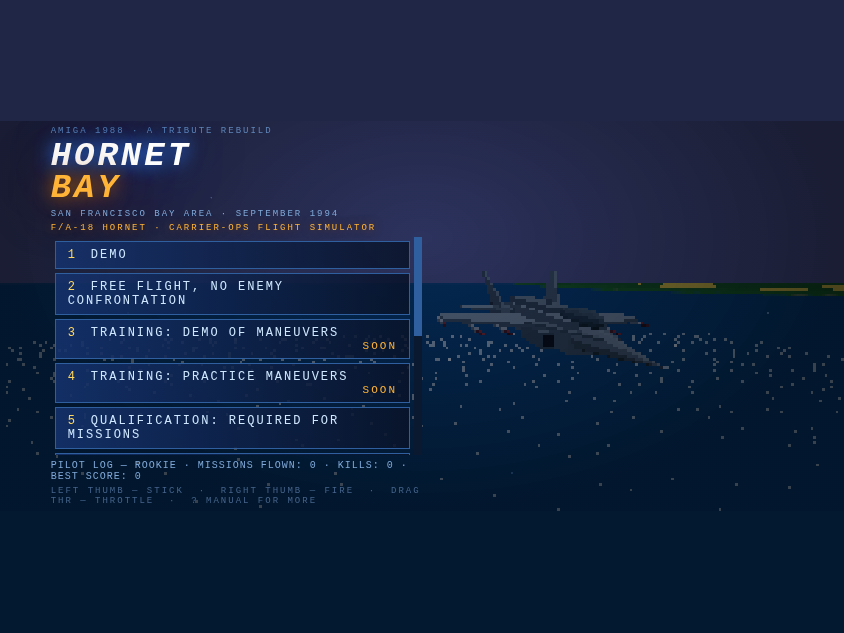
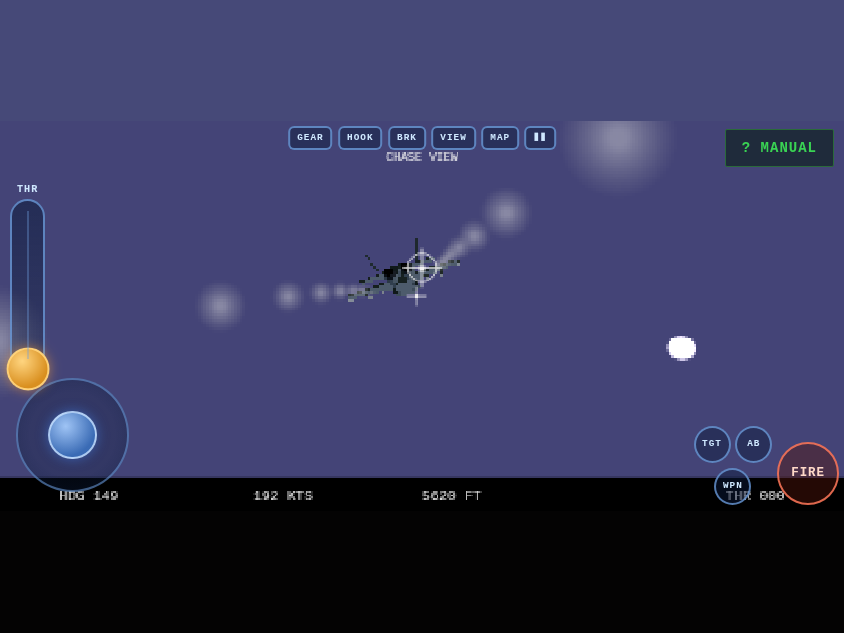
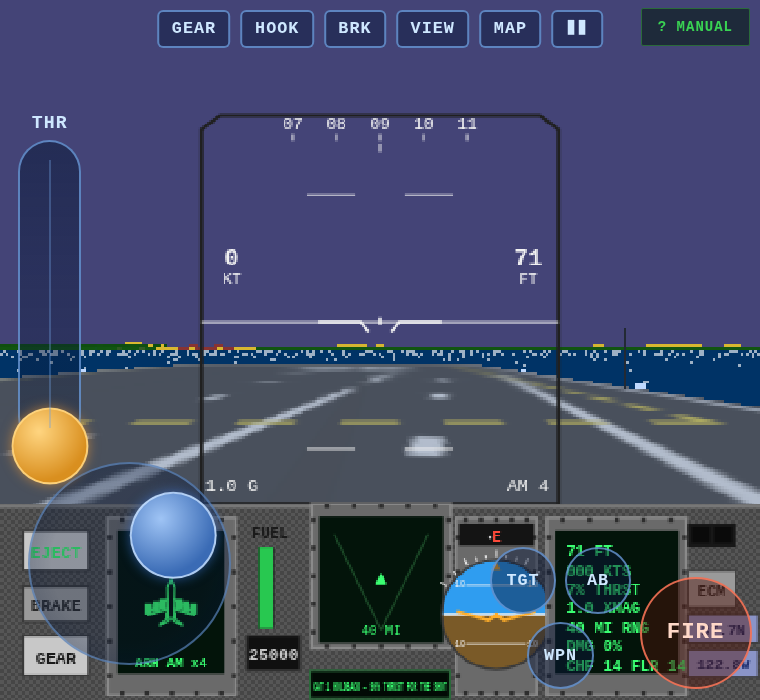
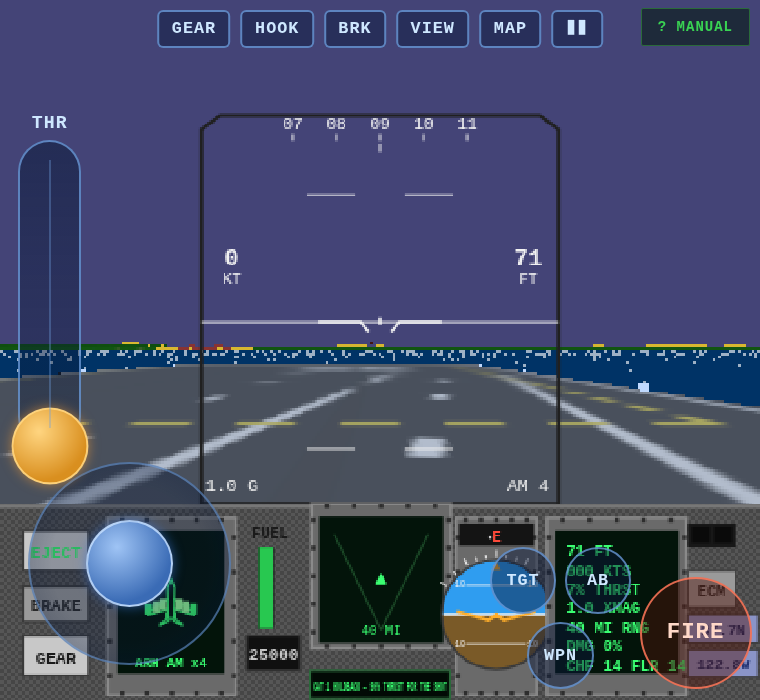
Product call from the boss: "Instead of waiting for the phone to rotate, just serve the game and fix for landscape. The user will figure it out." Correct. So the ROTATE YOUR DEVICE overlay is gone. A phone held upright now gets the game immediately — the whole thing laid out for landscape and spun 90 degrees, menu included (above). It looks sideways on an upright phone; the pilot turns the phone; done. The gyro, once permitted (one tap, asked on the first touch), simply flips which way the game spins if they turned the "wrong" way, and a viewport that genuinely rotates to landscape always wins natively. Rotation lock is now fully irrelevant either way.
Serving the menu inside a portrait viewport surfaced two fun bugs. One: engaging the spin at startup called the resize path before the HUD module existed — a TDZ crash that only fired in portrait, leaving the menu unbuilt (thank you, errbox). The re-layout is now deferred a frame. Two: the compact phone menu is gated on @media (max-height: 480px) — and a portrait viewport is 844 tall, so the full-size desktop menu rendered into a 390-tall game screen and the flex column crushed the button list to 33 pixels. The compact rules are now replicated under sideways mode, along with swapped vw/vh units throughout, and the suite checks the menu is genuinely tappable through the rotation: 51/51.
Third report from the iPhone pilot: motion permission granted, still stuck on ROTATE YOUR DEVICE. Verdict: iOS Portrait Orientation Lock was holding the WebView portrait, and no web page — ours, or a from-scratch rewrite — can override that switch. Even a home-screen PWA can't: Apple ignores the manifest's orientation member. So instead of fighting the lock, the game now ignores it. Once the gyro (permission-gated on iOS, one tap) reports the phone is physically landscape while the viewport is stuck portrait, sideways mode engages: the entire game — canvas, HUD, menus, touch controls — is laid out as landscape and spun 90 degrees inside the portrait viewport with CSS. Touch input is mapped through the same rotation, so the throttle lever and stick read true. Hold the phone sideways, rotation lock on or off, and you fly. Turn it upright and the rotate overlay returns. Hysteresis plus a 300ms settle keep it from flip-flopping in your hands.
And the "separate mobile app" question got its proper answer: Hornet Bay is now installable. There's a real manifest, home-screen icons, standalone display (no browser chrome), and a service worker — network-first for code so deploys land instantly, cached art for offline. On Android the manifest's landscape orientation gives a true OS-level lock; on iOS, sideways mode covers the gap Apple left. Bonus while the hood was open: a screen wake lock keeps the display from dozing off on final approach. The emulated gate now streams synthetic gyro data and verifies the whole sideways flow — engage, suppress the overlay, swap the canvas to landscape dims, rotated throttle drag, release — 51/51.
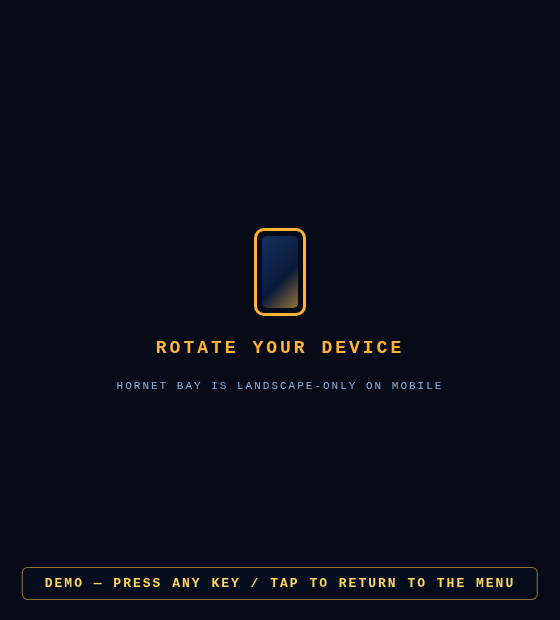
Portrait mode on a phone was never going to work for a two-thumb flight sim — stick, throttle slider and fire cluster simply don't fit a tall narrow viewport. So mobile is now officially landscape-only: rotate to portrait and a full-screen overlay steps in front of everything, menus included, with an animated phone and a clear ROTATE YOUR DEVICE message. Every tap lands on the overlay (verified with elementFromPoint in the suite), so nothing behind it fires by accident; rotate back and the flight deck returns instantly. On Android the game goes further — after the fullscreen handshake it requests a real orientation lock, so the OS itself holds the phone sideways. iOS Safari doesn't allow that, so the overlay does the job there.
The same build ships a safety fix the virtual phone uncovered mid-suite: tapping GEAR while parked on the deck used to retract the gear and drop the jet onto its belly — a crash. The lever now has a weight-on-wheels interlock, exactly like the real jet: on the ground the gear stays down, with a WEIGHT ON WHEELS — GEAR STAYS DOWN warning if you try. Airborne, it works as before. The automated touch gate is now 41 checks — detection, menus, attract mode, map/plane select, quick-start, the interlock, throttle slider, brakes, stick axes, weapons, gun burst, airborne gear, views, pause, the portrait overlay and quit-to-menu — all green against a virtual iPhone driving the real game over CDP.
Verdict on the first touch build: needs work — so it got a proper shakedown on an emulated phone (CDP touch emulation + real touch events, not just screenshots). The hunt found three real bugs and one ergonomic crime. THR+/− never worked: the stick's grab zone painted over the throttle buttons and ate every touch — and even fixed, hold-buttons were the wrong idea anyway, so the throttle is now a proper drag-to-set lever: drag it to full, it stays, both thumbs free for the takeoff roll. The DEMO attract ate your next tap: the exit tap's leaked compatibility click landed on whatever menu button sat beneath it; the menu now re-shows a beat later so the stray click dies on the canvas. And the action cluster is tucked tight into the corner so it covers less of the radar display. The full loop — menu, attract, map, plane select, skip, quick-start, throttle, brakes, stick, weapons, gun burst, gear, views, pause, portrait nag, quit — now passes 35/35 scripted touch checks before every deploy.
Open hornetbay.com on a phone or tablet and the deck crew rolls out a touch cockpit: a left-thumb stick for pitch and roll (drag down = pull back, like the mouse stick), a big FIRE button under the right thumb that holds a gun burst or pickle one missile per tap, hold-to-burn AB, WPN and TGT for weapons and radar targets, THR +/− on the left edge, and GEAR / HOOK / BRK / VIEW / MAP / pause along the top — everything a carrier trap needs. The canvas-rendered intro states get their own tappable bars: SCRAMBLE on the briefing, airplane and day/night/weather picks on plane select, and the five free-flight start spots on the map. The title screen compacts itself on short landscape windows, every menu button gets a bigger tap target, the gallery rotates with a finger drag, audio unlocks on the first touch, and portrait pilots get a gentle rotate-to-landscape nag. Detection is automatic (coarse pointer); desktop pilots can preview the deck with ?touch=1.