
HORNET BAY
FLIGHT LOG
← ALL ENTRIES
#iOS — 2 ENTRIES

Rotation-lock detective: when ROTATE YOUR DEVICE never ends f4d11ff

iOSBUG FIX The rotate overlay now shows rotation-lock guidance when a pilot is stuck

Second field report from the iPhone: "I selected free flight, rotated my device as instructed, and nothing changed — the animation continued to animate." Two bugs in one sentence. Bug one: the pilot was able to select FREE FLIGHT while the blocking overlay was up — it turned out the overlay lived inside #touch-ui (z-index 12), which stacked it below the menu (z-index 20), so in menu state the "blocking" overlay ghosted underneath and taps fell straight through to the buttons. It's now a direct child of the body where its z-60 genuinely tops every gameplay layer, in every state — and the suite gained a regression check that pokes a menu button through the overlay to prove it. Bug two is sneakier: with iOS Portrait Orientation Lock on, rotating the phone never changes the browser viewport at all — the page stays portrait, the overlay keeps spinning, and the pilot is stuck with no idea why. The page can't see the lock switch, so the overlay now says it out loud: sit on the overlay for six seconds and a hint fades in — "STUCK ON THIS SCREEN? YOUR ROTATION LOCK IS PROBABLY ON — Control Center → tap the lock icon" — plus a TAP HERE affordance that requests motion-sensor permission; once the gyro is readable, physically rotating to landscape while the viewport stays portrait lights the hint up in pulsing amber. No sensors, no problem: the static hint still points at Control Center. Full gate: 43/43.
The iPhone rotation crash: taming WebKit's GPU 41506d3

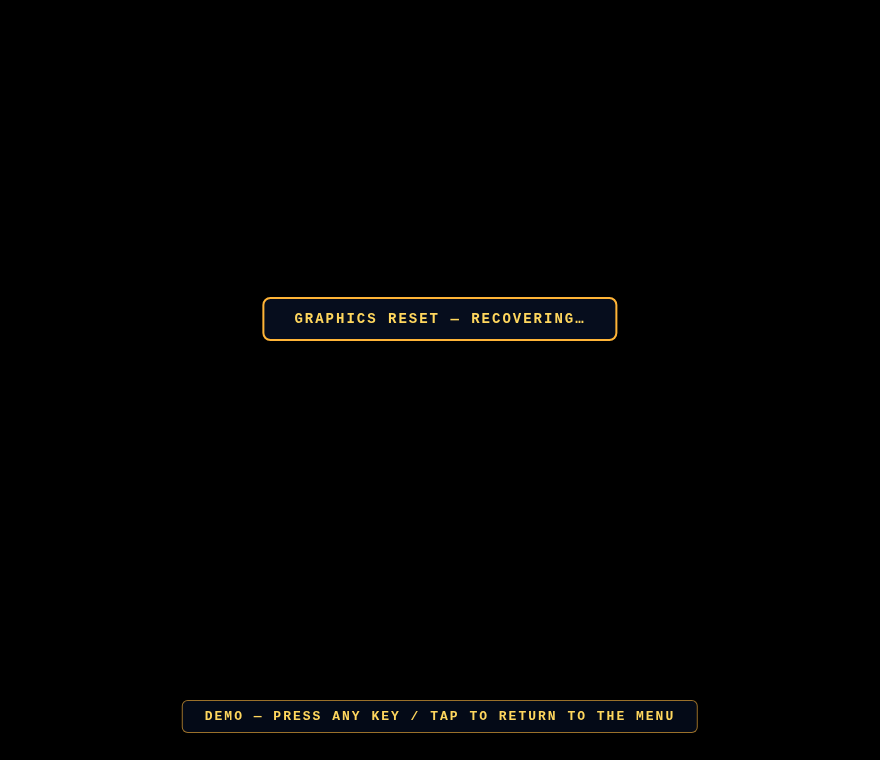
iOSBUG FIX The GRAPHICS RESET — RECOVERING banner shown while the GL context is lost

A field report from an iPhone: load the site, rotate as instructed, game crashed. We can't reproduce WebKit in the lab, but the failure shape is a known iOS classic — rotating the device kills or starves the WebGL context, and every iOS generation has its own flavor of it (the canvas-resize memory leak of iOS 14, the context-loss waves of 16.7/17/18). Our code made it worse in two ways: it resized the GL canvas on every resize event — and iOS fires a storm of them mid-rotation with stale geometry — and it had no handler for the context actually dying, so the canvas just went black and stayed dead. From the pilot's seat: crashed.

Two fixes, both verified on the virtual device by forcibly killing the context with the WEBGL_lose_context extension. One: resizing is now debounced and rotation-safe — the geometry storm settles for 180ms (450ms after an orientation change, iOS lands its final dimensions late) before a single canvas re-allocation, degenerate zero-size frames are skipped, and the camera aspect is clamped so a NaN can never poison the projection matrix. Two: a proper context-loss handler — the browser is asked to restore, a GRAPHICS RESET — RECOVERING banner (above) keeps the pilot informed, and if the GPU doesn't come back within four seconds the page reloads itself cleanly instead of sitting dead. Full touch gate re-run after the surgery: 41/41. If you were the pilot who hit this — thanks for the report, and wheels up.