There is not a single 3D model file in Hornet Bay. Every aircraft is assembled at load time from boxes, cones and extruded wing shapes in one JavaScript file — and the same code is what exports the print-bay STLs.
Open the repository and look for the art: no .glb, no .obj, no .gltf, and no loader to read one. The libs folder holds exactly one file, three.js itself. The jets, helicopters and airliners come out of js/models.js — about 1,900 lines, roughly 110 KB — and the ships are built the same way in js/ships.js.
How a Hornet gets built
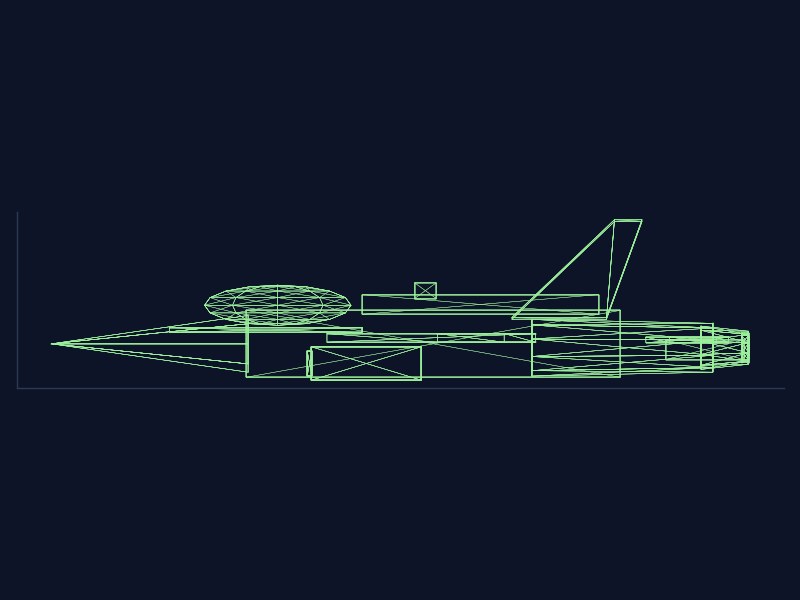
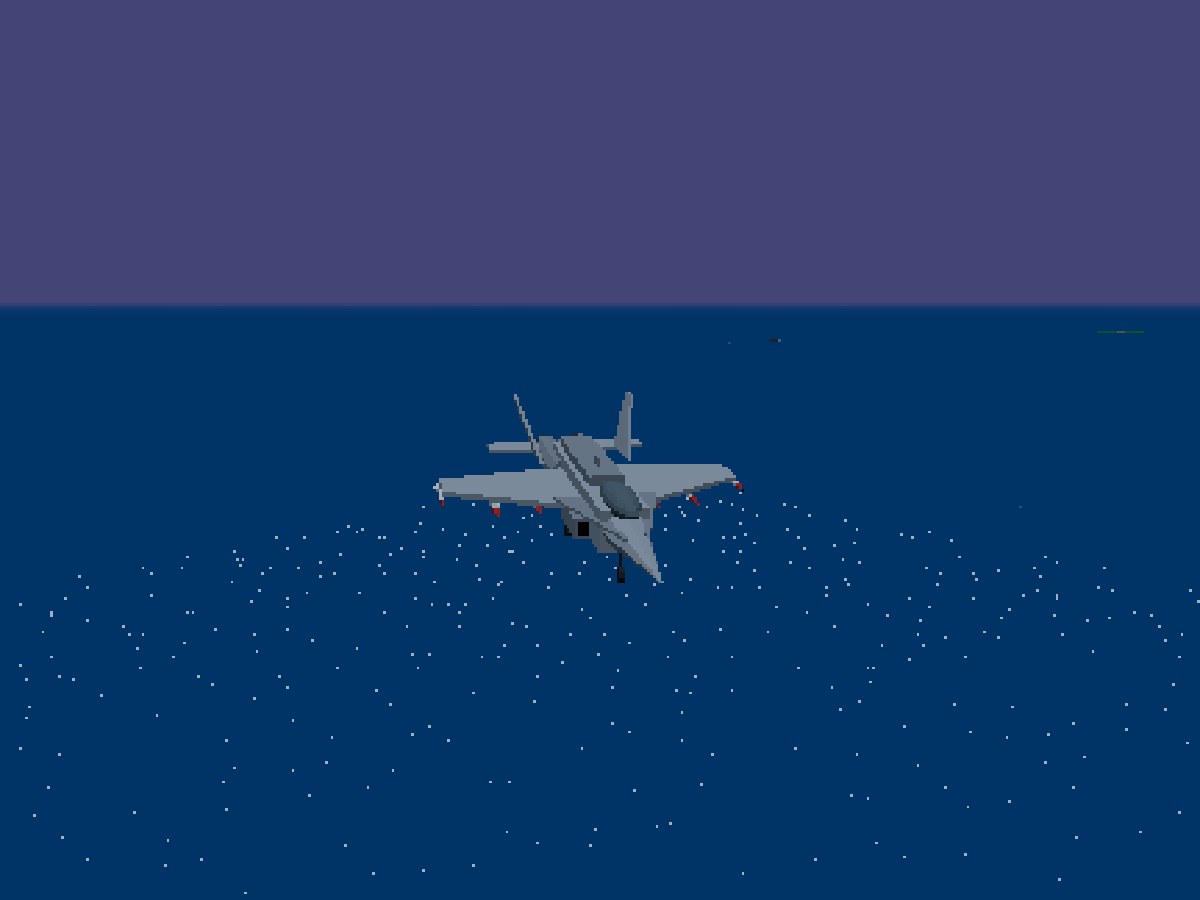
A handful of tiny helpers do the work: box, cone, cyl, and a wing helper that takes a planform outline, extrudes it a fraction of a metre thick and lays it flat. The F/A-18 starts as a 2.0 × 1.7 × 9.5 box for the fuselage, a cone for the radome, a squashed sphere for the canopy, a pair of extruded LEX strakes, and a trapezoid wing mirrored left and right. That is the recipe. Every part is a flat-shaded Lambert material, so the facets show — on purpose.
The livery work is code too. The airline schemes and the Jolly Rogers tail art are painted onto canvases at load time and wrapped on as textures. Nothing is fetched from an image file.
No build step
index.html carries an import map pointing three at ./libs/three.module.js, and the scripts load as plain ES modules. Edit a file, refresh the tab, fly. There is no bundler between you and the airframe.
Same code, on your desk
Because a model is just a function that returns a group of meshes, the print bay can call that function, hide the gear, hook and afterburner groups, and triangulate what is left into an STL — see how the bay opened. The Hornet file comes out at 29 KB, 150 mm long. It also means a bug in the builder is a bug in the print file, which is how the wheels-up fix happened: the exporter forgot that hidden groups hide their children.
In the sim
One builder function per type, dispatched from buildModel.
Flat shading everywhere, no image textures for the airframes.
Control surfaces are real hinge groups, so ailerons and flaps move when you do.
Try this: start a free flight, switch to the external camera and roll the Hornet slowly — watch the flat facets catch the light, and the ailerons answer the stick.
Hornet Bay is a tribute to the 1988 Amiga classic F/A-18 Interceptor, flown over San Francisco Bay with a 1994 Pacific air wing on the deck. Here is why that place and that year.
Two choices shape everything in Hornet Bay: the place and the year. Neither is an accident.
The place: the Bay
The 1988 Amiga game F/A-18 Interceptor (Intellisoft, published by Electronic Arts) put you over the San Francisco Bay Area — the Golden Gate, the Bay Bridge, Alcatraz, with SFO, Oakland and Moffett Field to land at and a carrier anchored offshore. That compact, instantly readable map is the heart of the original, and the reason this site exists. It is a tribute rebuild, not a remake with a new setting: if the Bay is the stage, you always know where you are.
The year: 1994
Why 1994? Because it lets the deck be real. That summer the Pacific air wing was out on WestPac — Carrier Air Wing Fifteen, aboard USS Kitty Hawk, deployed in the Western Pacific from June to December. Its A-6E Intruders of VA-52 and S-3B Vikings of VS-37 are exactly the squadrons you will find working the Big E’s deck in the sim. They are parked on the wrong carrier entirely, as tradition allows. Hornet Bay is an alternate-history tribute: it is not affiliated with the Navy, any manufacturer, or the original game’s makers.
In the sim
The map. Golden Gate strait, the SF peninsula, Alcatraz, the East Bay, plus SFO, Oakland, Moffett Field and NAS Alameda.
The jets. Five flyable types, 8 flight-school sorties, a 19-mission campaign and free flight — the full roster is in the order of battle.
The rule. A mission only counts as complete when you return to the point it started from. Landing elsewhere to rearm is fine; going home is what scores.
Built for computers, not phones: keyboard or mouse, a big screen, and the Big E waiting. Want the models on your shelf? Visit the print bay.
Try this: pick Free Flight from the menu, take off from Moffett or SFO, and fly the Golden Gate at dusk — then find the carrier by radar and trap aboard.
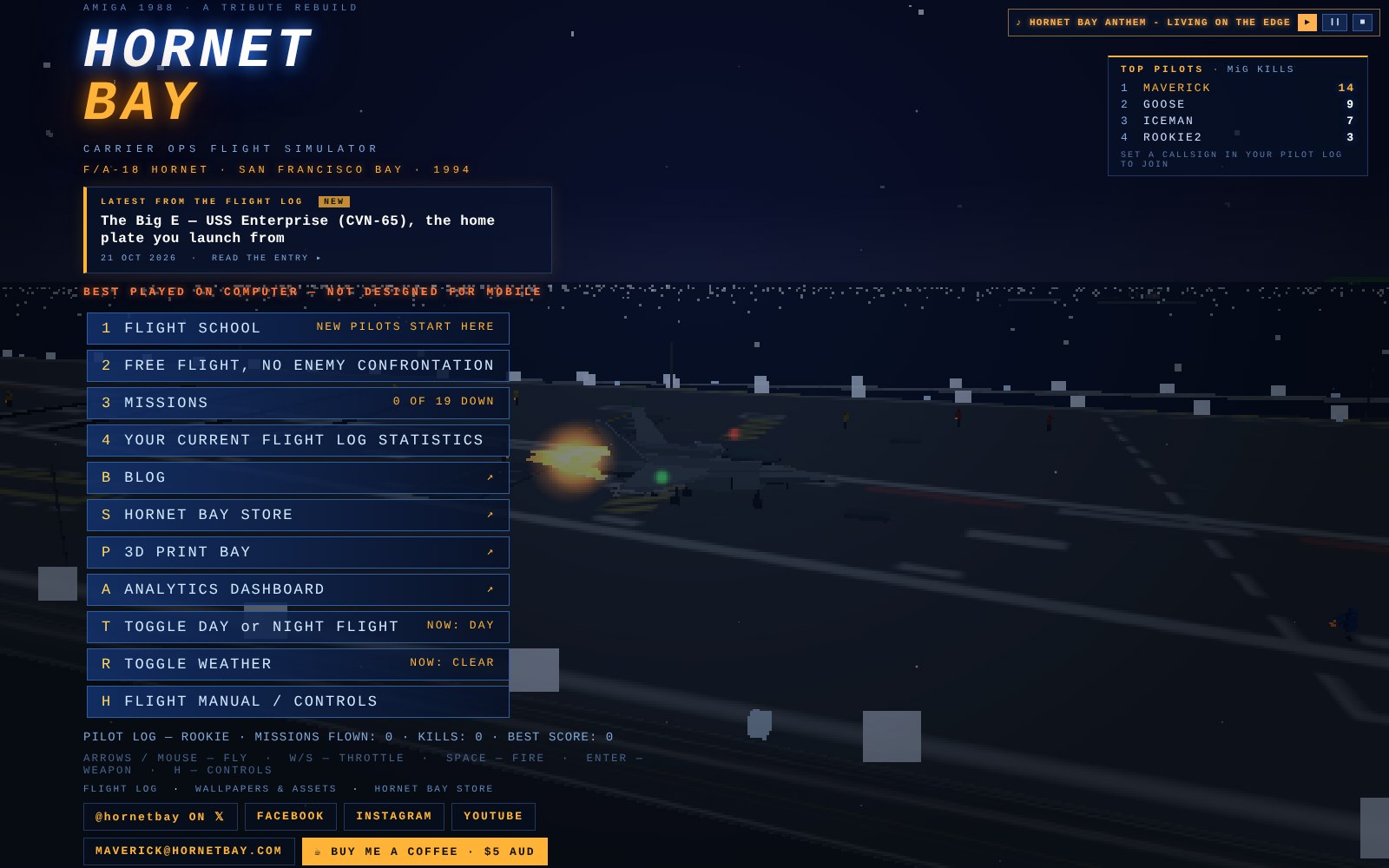
The title screen now has a leaderboard: TOP PILOTS, ranked by MiG-29 kills. Set a callsign in your pilot log, splash a MiG, and your name goes on the board.
Until now the front door only showed fleet-wide totals. That tells you the Bay is busy; it doesn't tell you who is winning the fight. The new panel sits top right on the title screen and lists the five pilots with the most MiG-29 kills, with the leader in gold.
How it works
Opt in with a callsign. You only appear once you set a callsign in your pilot log (menu option 4). Stay ROOKIE and nothing about you is sent.
Only MiG-29s count. It uses the same counter as the fleet strip's Bogies splashed tile: bandits you shoot down yourself, not wingman kills, and never airliners.
What is shared. Callsign and kill count, plus a random id so two pilots named MAVERICK don't merge. The id is never shown. The board is client-reported, so treat it as bragging rights, not a tournament record.
Your own line. If you are in the top five, your callsign is underlined.
The screenshot above uses sample callsigns; the live board fills in as pilots earn their places. If the leaderboard service is unreachable the panel shows the last board your browser saw, or hides itself rather than showing an error.
Try this: set your callsign from the pilot log, fly a sortie and take down a Fulcrum. New to the sim? Start with flight school; the fleet totals strip is explained in By the numbers.
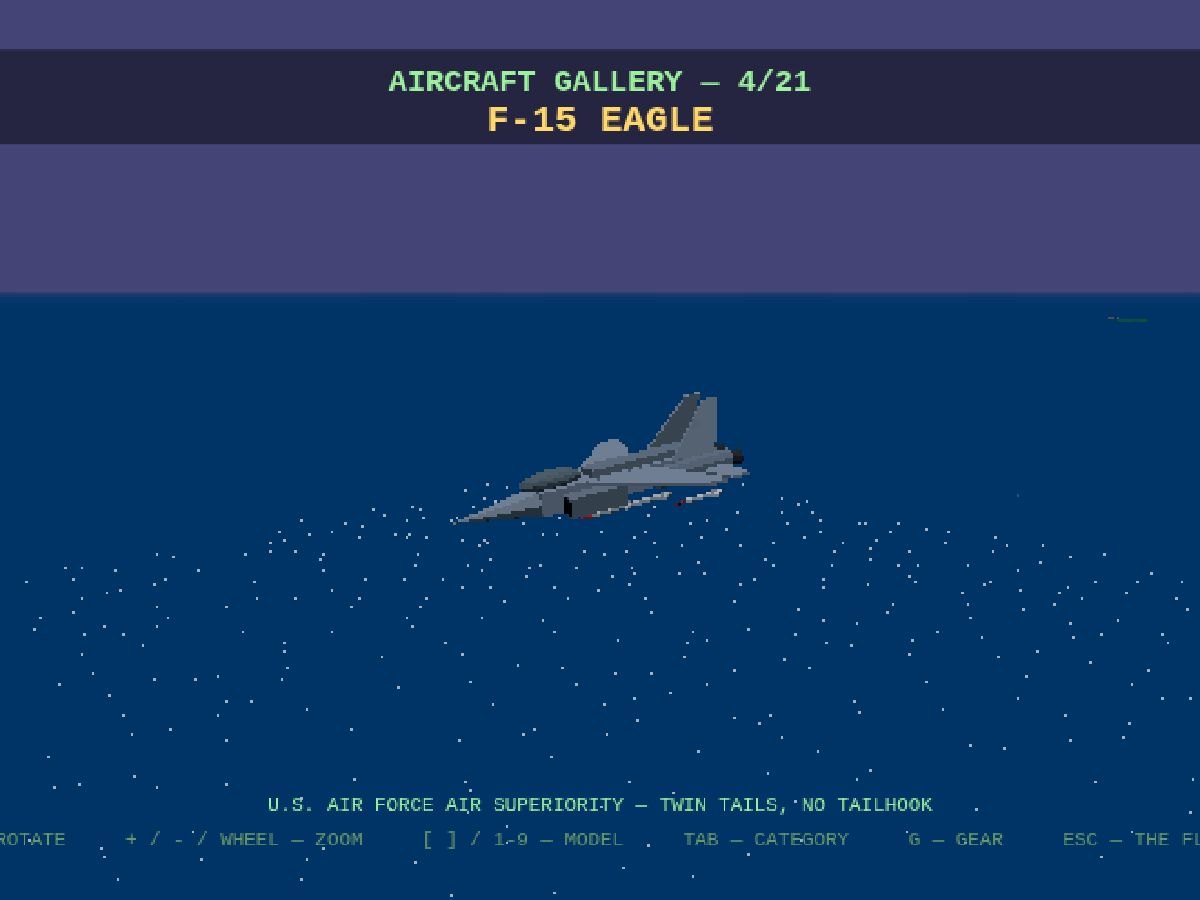
The F-15 Eagle and A-10 Warthog are no longer selectable as player aircraft. Your roster is now the Hornet, the Falcon and the Tomcat.
We have retired the two USAF jets from the flight line. Keys 4 and 5 no longer do anything at plane select, and the showroom turntable on the home screen no longer shows them.
What changed
Flyable roster: F/A-18 Hornet, F-16 Falcon and F-14 Tomcat.
The Eagle and the Warthog are still in the world as scenery and in the demo reels. They just are not on offer to you.
Take a look at the F-15 and A-10 posts for what they looked like.
Try this: the Tomcat is now free after five campaign missions. See Earn your Tomcat.
Three site chores landed in one sweep — one visible alignment fix, one clickable banner, and a full dress uniform for every journal link you share:
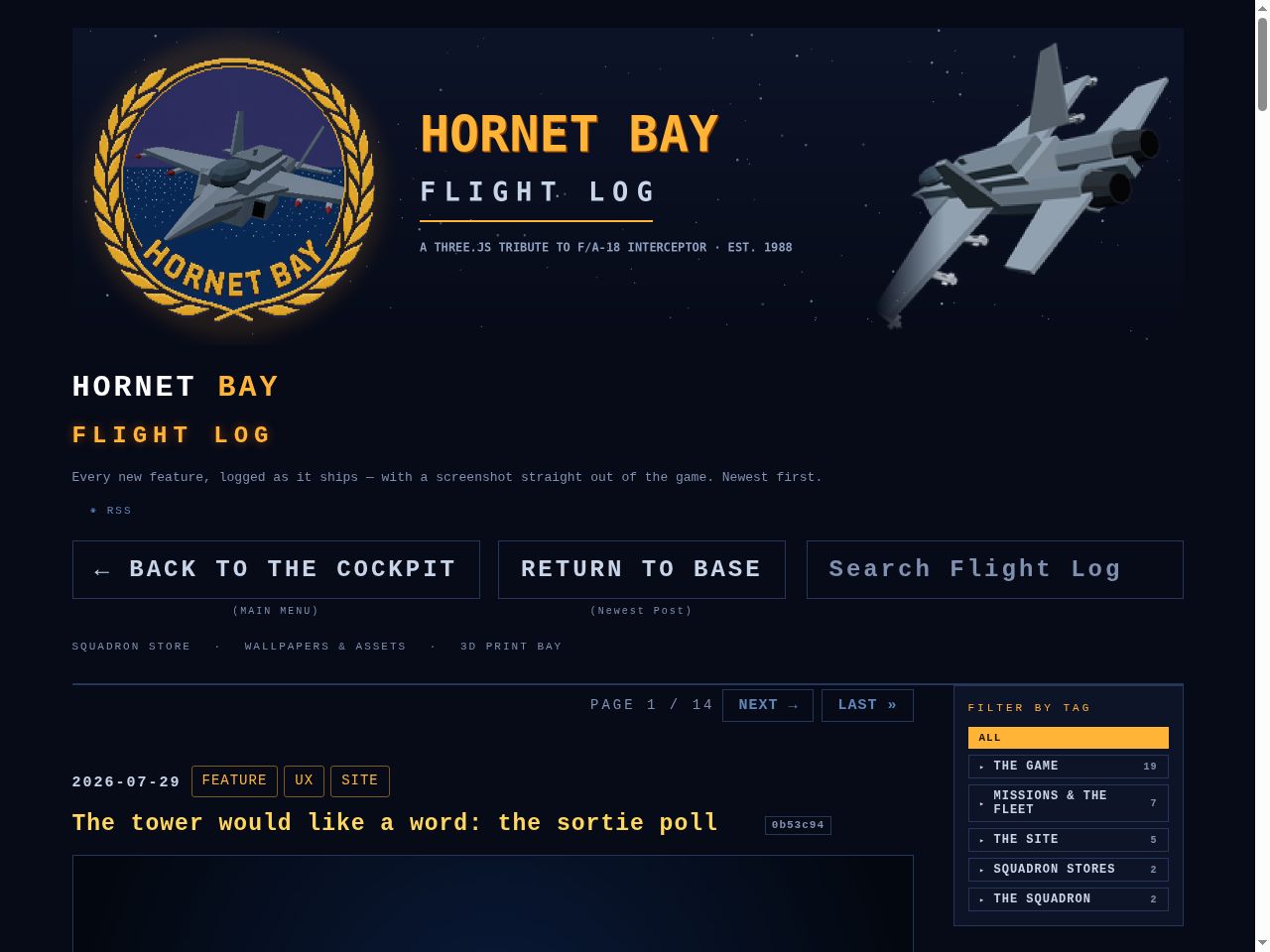
The search box is back in formation. Search Flight Log rides the same row as BACK TO THE COCKPIT and RETURN TO BASE — 59 pixels to 59 pixels, tops aligned — while the squadron-store links keep the row below to themselves. Phones stack the lot, search full-width.
Every post now ships its cards. All 134 journal entries carry an optimised meta description (cut at a sentence where one fits, 155 characters budget), a complete Open Graph card — image with its true pixel dimensions read off the file, secure URL, type, alt text, locale, published time and one article:tag per squadron — and a complete Twitter card: summary_large_image, site and creator @hornetbay, a title trimmed to 70 characters, and alt text on the image. Drop a link anywhere and it arrives in dress uniform.
The banner flies home. The laurel header on every one of the 212 pages is now a link back to the homepage, with a soft amber glow when you hover it. One template, one shared stylesheet, one sweep — every page born from here on carries it.
Found and fixed in the sweep: four old headlines carried spliced markup from an ancient hash-stamp — one title duplicated mid-word, four wearing two hash badges. All repaired, and the rebuild now audits every page: descriptions under 160, Twitter titles under 70, no exceptions.
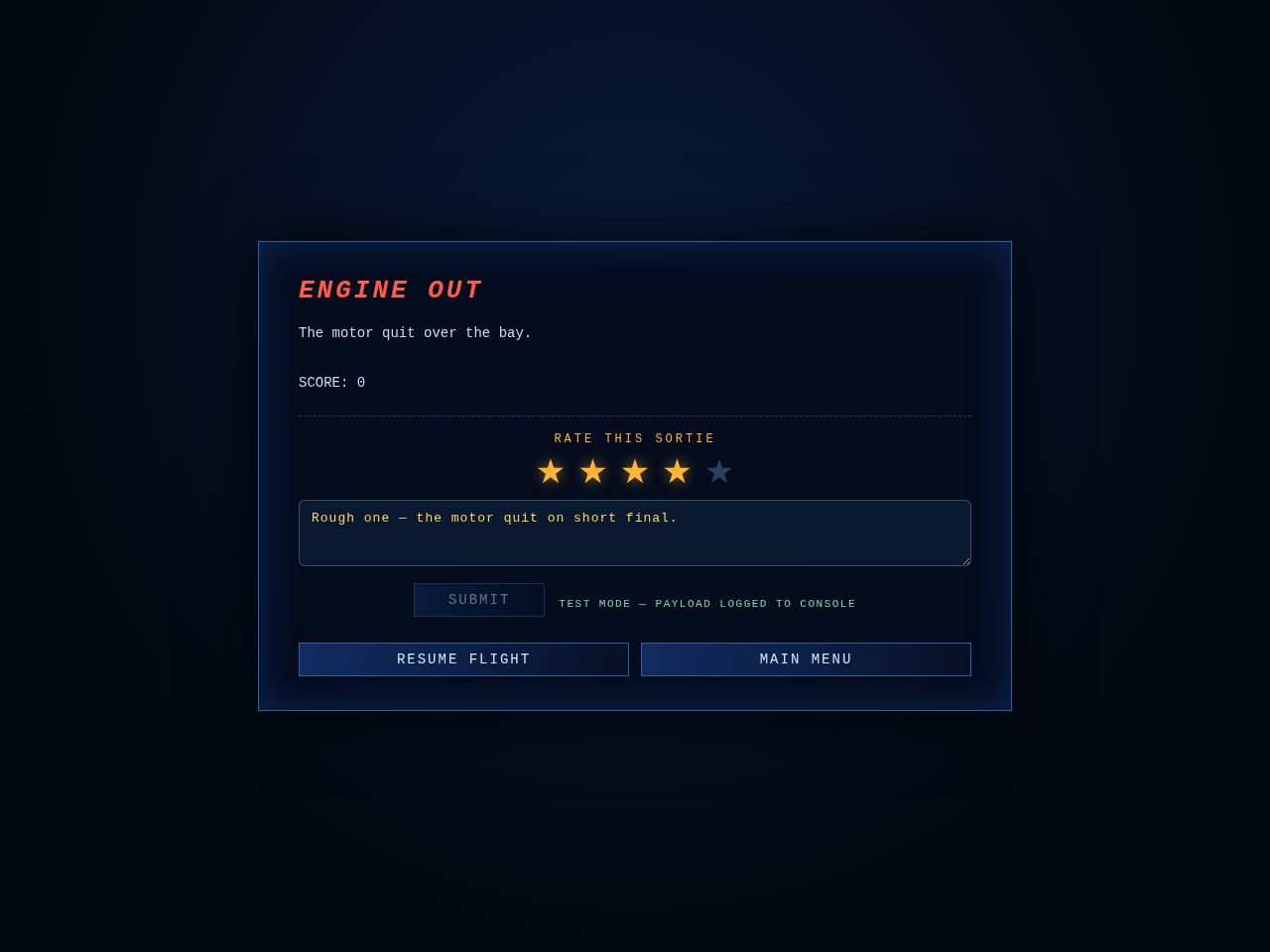
Every sortie now ends with one quick question. Mission complete or mission failed, the debrief card carries a poll — and if you go into the bay, the tower asks on the way out:
The poll rides the debrief. RATE THIS SORTIE: one to five amber stars, an optional note for the tower, SUBMIT. No extra screens — it’s part of the card you’re already reading, once per sortie.
Crashes get their own card. The 1988 original dumps you straight back at the menu — no paperwork, no debrief. That stays. But once the wreck or the chute ride has settled, an AIRCRAFT DOWN card asks the same quick question, with SKIP right there if you’d rather not.
It speaks up exactly once. The crash gate used to re-fire every frame — fine when it just quit to the menu, fatal for a form. The gate now closes as the card opens, so your stars and your note are never stomped mid-sentence.
Wiring is a two-minute job, deliberately. Ratings post to a form-service endpoint (Formspree or Web3Forms free tier): paste one URL into FEEDBACK_ENDPOINT and every submission lands in that dashboard and emails [email protected]. Until then the poll stays hidden, and ?fbtest flies it in test mode with the payload logged to the console — no backend, no database, no monthly bill for a site this size.
Each report carries the sortie with it — stars, note, mission id, result, score, kills, timestamp and browser — enough to spot a rough mission or a rough build without a server of our own.
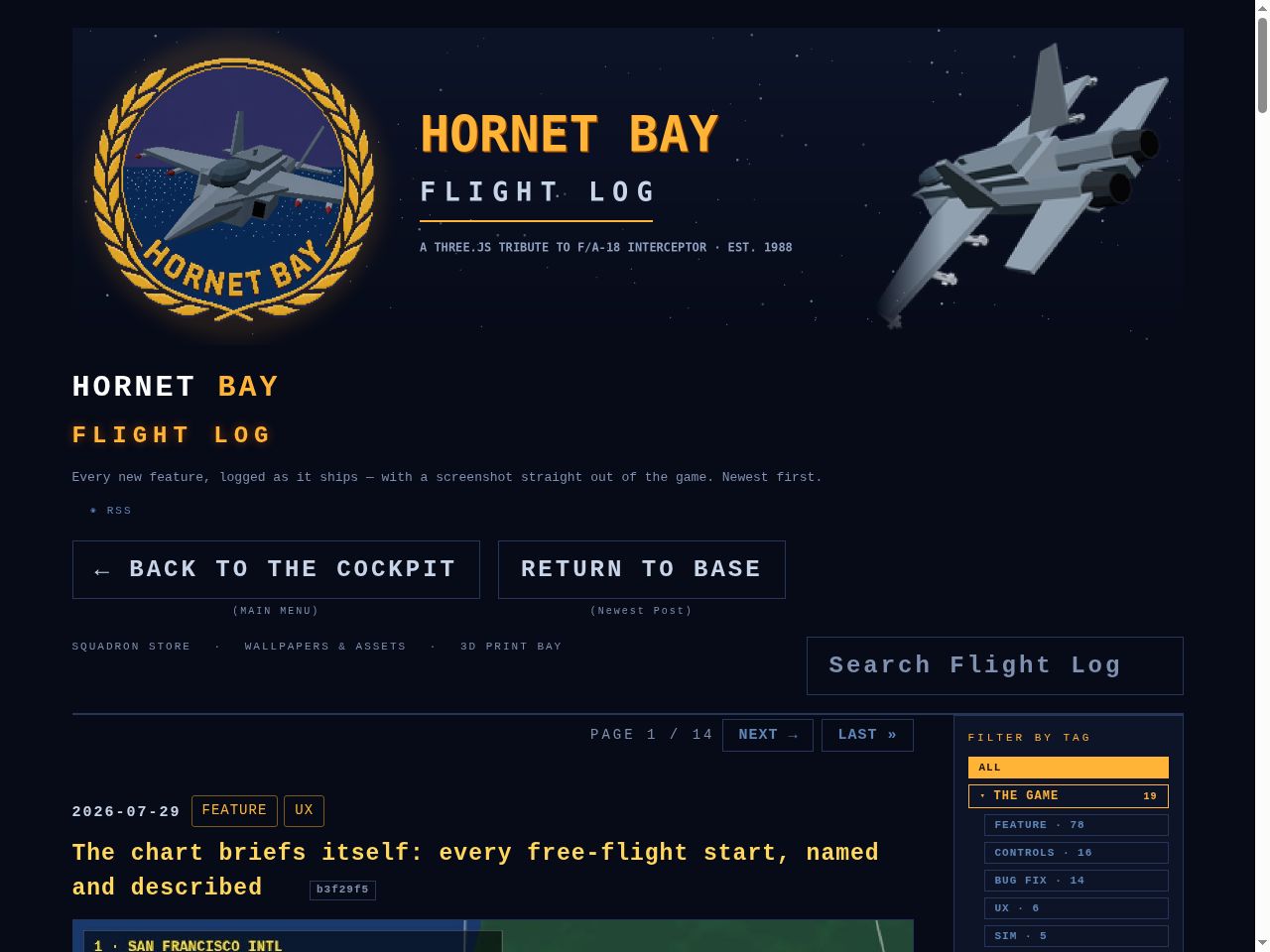
Thirty-five tags was a roster, not a filing system. The flight log’s sidebar now squadrons up — five parent categories with the child tags tucked into sub-menus — and a little menu housekeeping flew the same sortie:
Five squadrons, every tag assigned. THE GAME (19 tags: FEATURE, CONTROLS, BUG FIX, SIM, the whole flying machine), MISSIONS & THE FLEET (7), THE SITE (5), SQUADRON STORES (2) and THE SQUADRON (2). Parents show their child count and open an accordion of chips — one squadron on the board at a time, each child carrying its post count.
The rail still flies the same. Clicking a child filters exactly like before, the parent lights amber when one of its own is on the board, and a #tag= link auto-opens the right squadron — search and paging are untouched.
Duplicate spellings merged. FIX and BUGFIX both become BUG FIX — 37 tags down to 35 and one spelling from here on. The old flat tag strip stays in the markup for the crawlers but no longer takes up the page.
Same sortie, lighter menu. GALLERY has left the main menu — spectate view does its job now — and the ANALYTICS dashboard page is retired (the counters still tick quietly in the background). The social chips on the menu footer and every blog footer are bigger, bolder, and a lot easier to hit.
A full audit of every menu, sub-menu and page on the site — hunting for dead ends, clipped text, hidden keys and wandering navigation. Nine issues found, nine issues fixed:
In the cockpit
ESC was dead on the free-flight map. Pick FREE FLIGHT, change your mind — and there was no way back short of reloading. ESC now steps back to the menu.
ESC was dead on plane select. Same trap, one screen later. ESC now steps back one level: to the start-point map for free flight, to the menu for a mission (where BACK TO MISSION waits).
The plane-select line was clipped. Five jets and the toggles on one line ran clean off both edges of the screen — you literally could not see the F-16 or the Tomcat. The bar is now a three-row panel: two rows of aircraft, then TIME / WX / ESC, every option visible.
Every selection bar now says so:ESC — BACK rides the map select, plane select and briefing bars.
Main-menu keys renumbered and shown. The rows were bound to 1, 2, 6, 8, 9 — with the badges hidden, so three dead keys and no way to discover the live ones. Now 1–5, sequential, and every row wears its key like the sub-menus always did.
Mission keys every keyboard has. The board was bound F1–F16 — and F13–F16 don't exist on most keyboards, leaving four missions mouse-only. The board now runs 1–9, 0, A–F with badges shown; F1–F12 stay bound as silent aliases for anyone who learned them.
FLIGHT MANUAL wears its H.
On the site
One site ring on every page. Cross-links used to wander the headers — STORE · ASSETS here, STORE · ASSETS · PRINT there, nothing at all on the blog. Now all 209 pages carry the same row under the nav buttons: SQUADRON STORE · WALLPAPERS & ASSETS · 3D PRINT BAY · ANALYTICS, with the current section painted amber. It lives in the shared template, so every future page is born with it.
Sub-headings in posts are styled — amber, letter-spaced, on-guide — instead of falling back to browser defaults.
What survived the audit unchanged: the masthead stack, the two-button nav rail, the blurb sizes, the search rail, the tag cloud and the mobile stacking — all already in formation. One look, one feel, every page.
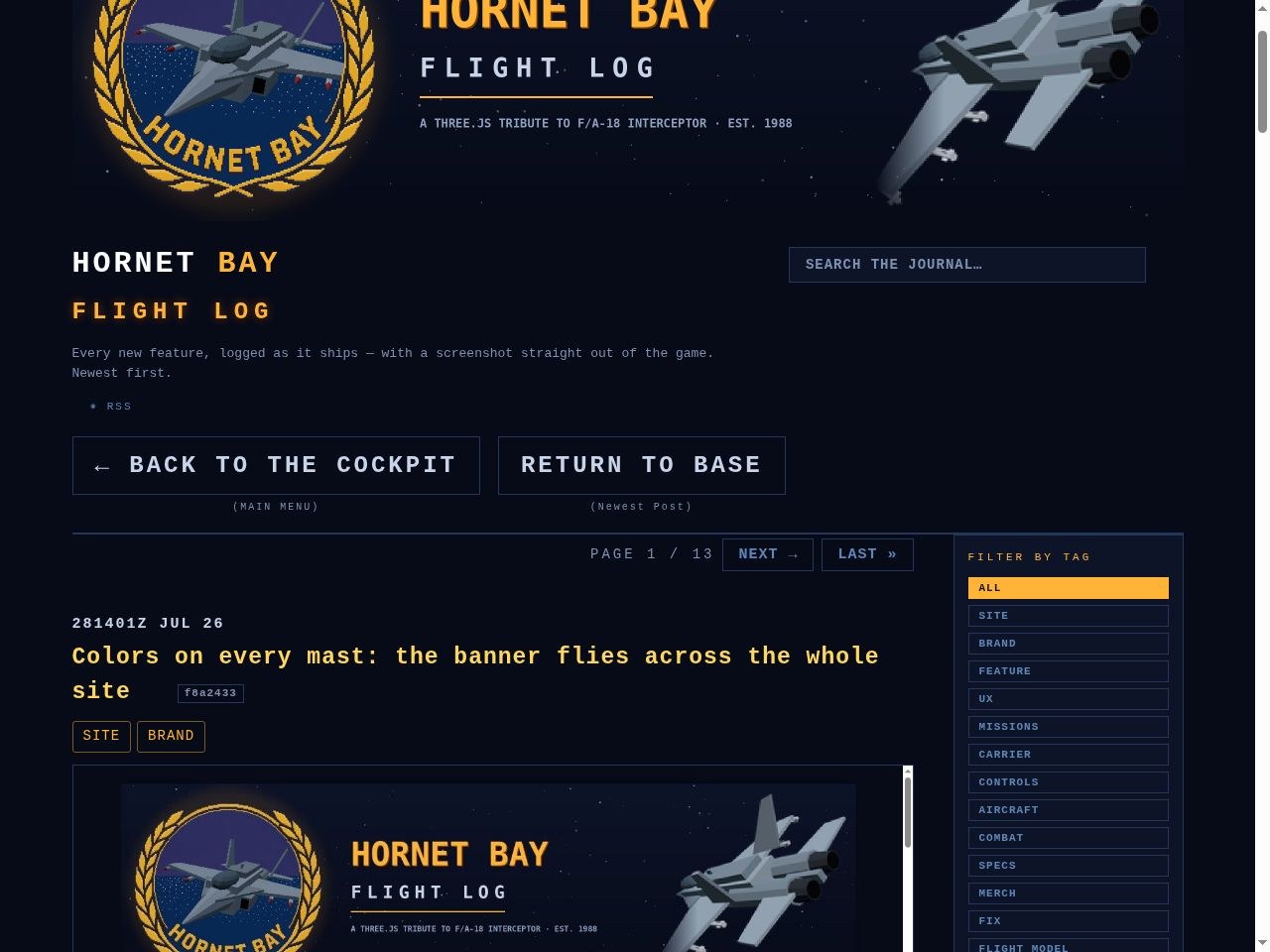
A header refit, by request. The journal search used to ride the top right of the masthead in a smaller cut than the navigation buttons — now it steps down onto the button rail and dresses like company:
Same rail, same height. The search box leaves the masthead and sits on the same line as ← BACK TO THE COCKPIT and RETURN TO BASE — identical font, padding and border, all three boxes exactly 59 pixels tall.
Same dimensions as the buttons. It wears the 24-pixel bold cap, the 3-pixel letter spacing and the same one-pixel rail border — no background fill, exactly like its neighbors. On a phone it drops to the buttons’ 20-pixel cut and stacks full-width beneath them.
It answers to a new name:Search Flight Log — what it always searched, now said plainly.
Nothing lost. Live filtering, the × clear button (tucked inside the box), and the pasteable #q= hash all work exactly as before.
Every page on the site now ends its header with the same two-button compass, in the same place, in the same order — and it is no longer maintained by hand:
Two same-size buttons, side by side.← BACK TO THE COCKPIT with (MAIN MENU) chalked underneath leads on the left; RETURN TO BASE with (Newest Post) underneath follows — one hop to the game, one to the newest journal entry, from any page on the site.
Consistent everywhere, 203 pages. Flight Log home, all 124 entry pages, every tag page, the store, the assets quartermaster, the print bay and all 37 model pages, and the analytics dashboard — same block, same position: the last element of the header.
A template, not a habit. The block and the shared Hornet Bay chrome (fonts, sizes, palette, banner, brand, logbrand) now live in one canonical source — site_header.py — served to every page through the new shared /css/site.css. The journal generator and the print-page generator embed it at birth, and a drift-guard script (site_sync.py) re-stamps the whole fleet on demand. Any page created from here on arrives already in formation.
The laurel banner no longer flies only over the Flight Log — every deck of the ship wears it now, and every page dresses to the same line:
One banner, everywhere. The store, the free assets quartermaster, the 3D print bay (index and all 37 model pages), and the analytics dashboard all open with the laurel-and-Hornet header banner at full width.
One type scale. The 30px HORNET BAY brand mark, the 24px amber squadron subtitle, the 13px blurb, the 12px letterspaced nav — same fonts, same sizes, same Courier New mono stack, page to page.
One rail. Headers and content now run on the same 1120px measure site-wide, so nothing drifts as you move between decks.
One compass. Every page carries the same nav set — BACK TO THE COCKPIT, FLIGHT LOG, STORE, ASSETS, 3D PRINT BAY — and the last of the old “DEV JOURNAL” nameboards have been repainted FLIGHT LOG.
Six carpentry jobs on the journal header and the entry card, all in one pass alongside the new banner:
The header falls in with the column. It used to float centered over a narrower measure; its left edge now dresses with the articles and the banner spans the full rail.
Dates you can read. The post date steps up in size and weight — it is a logbook, the date is the entry.
Military date-time groups. Every entry now stamps DDHHMMZ MON YY — this one reads 281256Z JUL 26. New entries carry their real Zulu time; the hundred-and-twenty already on file default to 1200Z.
Search to the header's top right. The journal search box leaves the entry stack and rides the header, level with the brand — full-width under the banner on a phone.
Pager text enlarged. PAGE 1/12, PREV, NEXT and LAST grow to match the entries around them, top strip and footer both.
Tags under the title. The chips drop off the date line and sit beneath the entry title, where a logbook keeps its keywords.
The Flight Log gets its colors sewn on: a full-width header banner built to the style guide. The golden laurel emblem holds the left under a soft amber glow; the HORNET BAY / FLIGHT LOG wordmark and the tribute line hold the center; and off the right wing flies the game's own F/A-18, posed to match the emblem exactly — rear-above three-quarter, twin nozzles to the viewer, nose to the lower-left, Sidewinders on the rails.
Same jet, same orientation. The banner Hornet is the actual gallery model, studio-lit and shot offscreen, then pixel-echoed so its facets rhyme with the wreath's Amiga pixel art.
Style-guide palette throughout. Deep navy field with faint stars, amber wordmark and rule, ink tagline — the same variables the journal and the game already wear.
Everywhere the log lives. The banner heads the journal home and every permalink page, and it came with a small header refit: search to the top right, military date-time groups on every entry, and tags tucked under the titles.
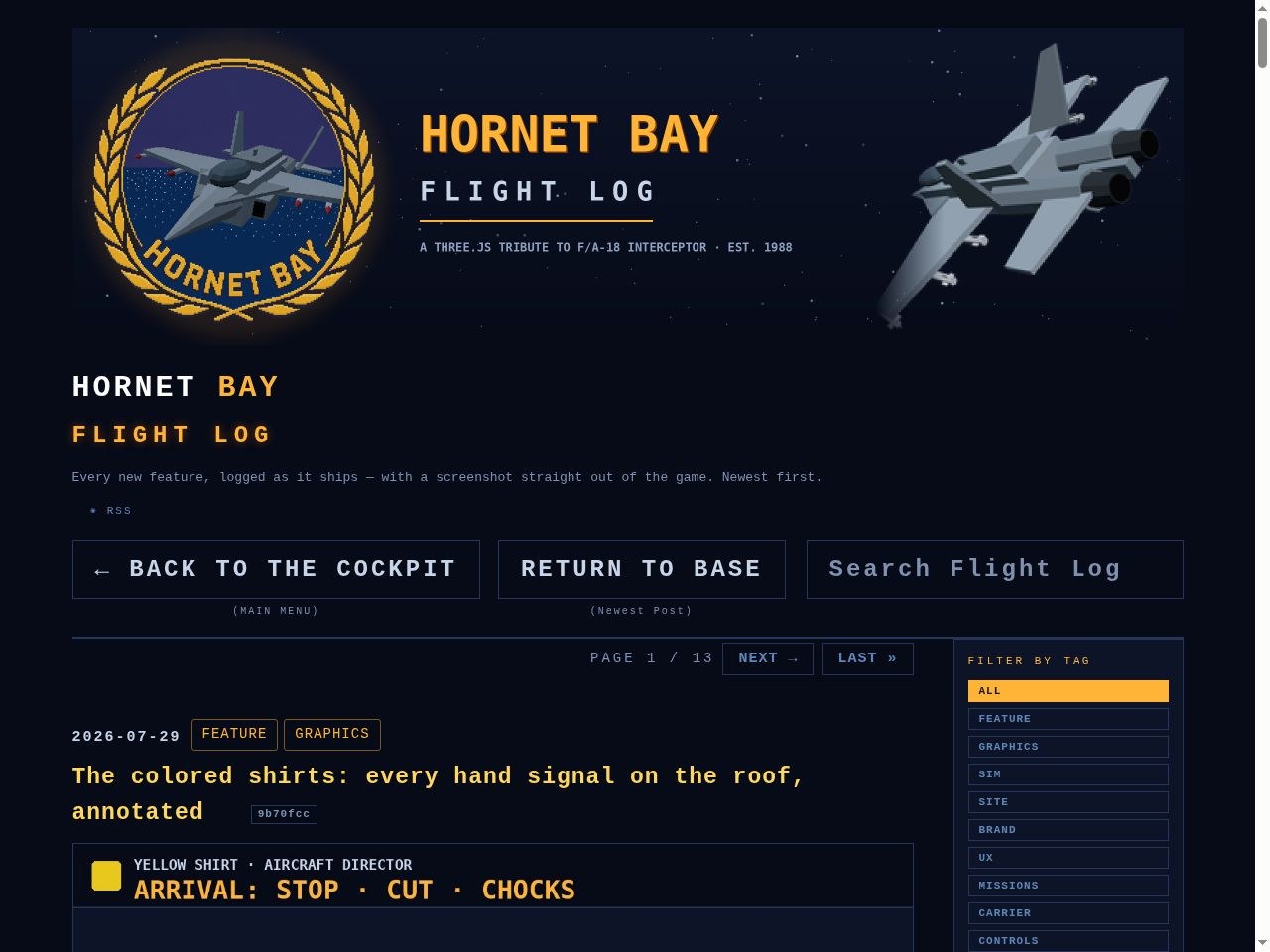
A name that fits: a carrier squadron keeps a flight log, and so do we. The blog is now the FLIGHT LOG — big amber letters under the Hornet Bay brand, and a large RETURN TO BASE block in the header that always takes you home to hornetbay.com/blog. Same entries, same RSS, new stencil on the door.
A hundred and seventeen entries in, the journal needed better deck crew:
Head navigation. The pager now rides the top of the page too — PAGE x/y, PREV, NEXT, and LAST one tap away before you scroll, mirroring the full pager at the foot.
A search box you can see. The journal search is larger and pinned to the top right, above the entries — type, and the whole archive filters live.
Tags move to the rail. The tag filters leave the top strip for a sticky right-hand sidebar; on narrow screens the rail folds back above the entries. The wide two-column reading layout stays home-only — article pages keep their 860px measure.
Four small fittings, the kind you notice the first time you reach for them:
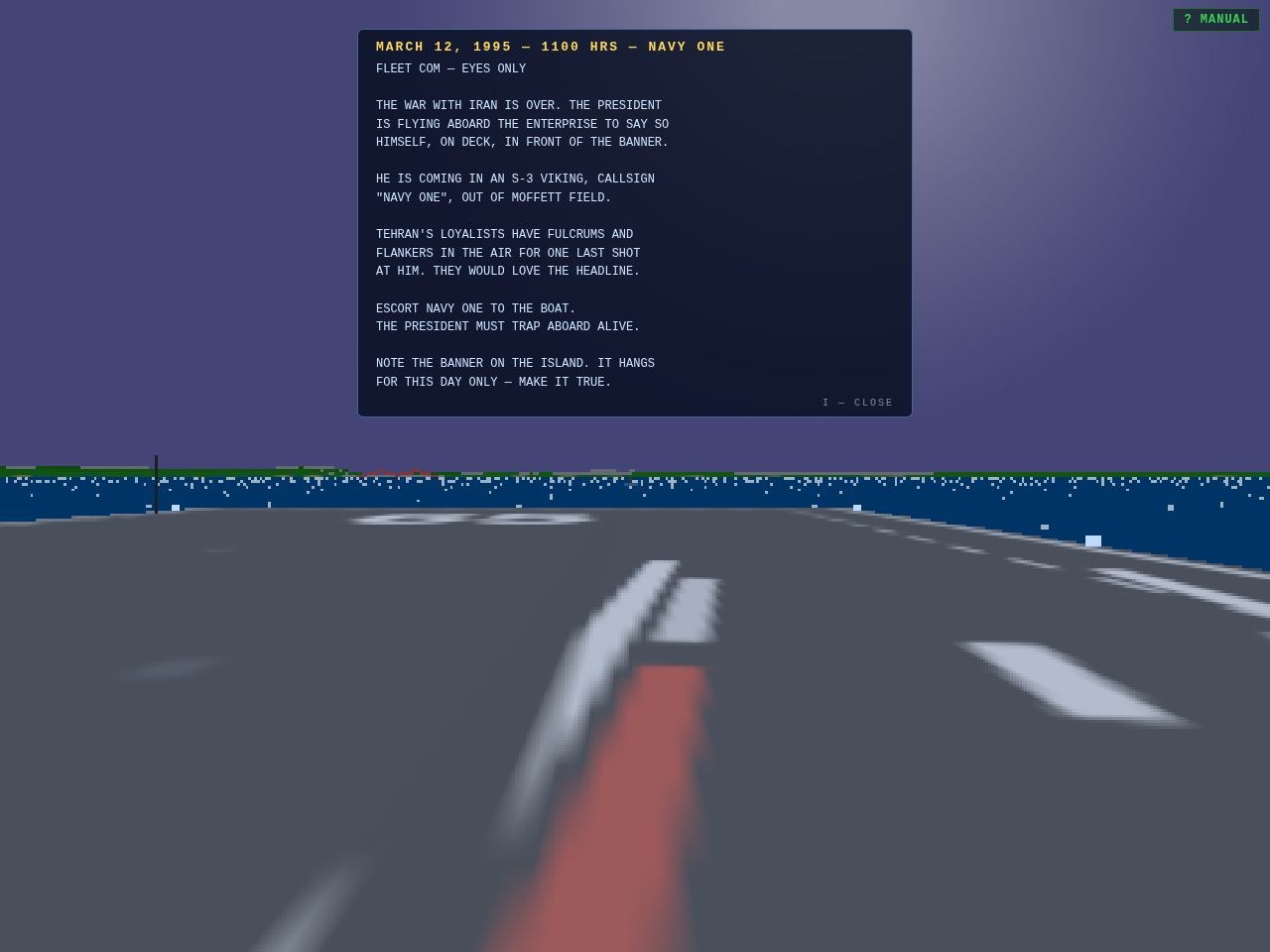
I recalls the brief. The full typed briefing — the one from the ready-room card — is now one keypress away at any point in the sortie. Objective, threat, the fine print about the banner on the island. I again puts it away.
The journal is searchable. A search box rides the blog menu — type “seahawk” and the eighty-nine entries narrow to the seven that matter. The query lives in the address hash and works with the tag filters, so #q=seahawk is a link you can paste to a friend.
Every gallery asset is a URL. Click any aircraft or vessel in the showroom and the address bar tracks you — #gallery/av8b opens the Harrier directly, step controls and all, and a bad slug falls back to the menu instead of a blank floor. Every model on the floor is now a link you can share.
The log remembers honestly. Campaign progress, unlocks and stats persist per pilot — and a fresh log starts at the first briefing, not mid-campaign.
“Meet me at the mission select” used to mean a string of instructions — open the game, wait for the menu, press 6. Now it’s a link you paste. Every row of the menu carries its own URL stub, and the address bar tracks you as you move, so wherever you are, what’s in the bar is a link back to exactly here:
/#freeflight — straight to the free-flight map, pick your start point.
/#missions — the SELECTABLE MISSIONS board, and each sortie has its own: /#m1 through /#m7 drop you at that briefing.
/#log — your flight log statistics; /#gallery — the showroom floor; /#manual — the flight manual; /#menu — home.
And the outbound rows:/#blog, /#store, /#analytics, /#print all redirect to their sites, so every menu item — even the ones that leave the sim — has a stub.
Polite in the air: a link clicked mid-sortie never yanks the controls — routing waits for the menu. And if you suspended a sortie with Q, /#resume puts you back in the cockpit.
Eighty-four entries in, the journal needed a filing system. Four upgrades this push, all about getting a story in front of you — and getting you to the story:
Every post has a proper Twitter card. Each entry’s page already carried its own title, description and screenshot for shares — now the few image-less entries fall back to the squadron crest, so a pasted link always unfurls with art. X, Facebook, anywhere that reads the meta.
Instagram joins the share bar. There’s no web share dialog for Instagram (they like it that way), so the button does the honest thing: copies the entry’s link and tells you it’s ready for your story or bio. Six buttons and a copy-link now ride under every post.
The journal paginates. Ten entries to a page, newest at the top, with a pager at the foot — eighty-four entries came to nine pages. Page position lives in the address hash, so a link to page 5 is a link you can share.
And a filter menu. A row of tag chips — FEATURE, AIRCRAFT, SPECS, GRAPHICS, MERCH and the rest — sits under the header. Pick one and the journal narrows to just those entries, paginated the same way; the tag rides the hash too, so filtered views are shareable links. The canonical tag shelves at /blog/tag/… remain for the crawlers.
The journal turned eighty-three entries this week, and it finally occurred to us: if you like a story, you shouldn’t have to copy the address bar like it’s 1988 too. Every entry — all eighty-three of them, plus every future one — now carries a share bar at the bottom:
Five ways to pass it on: X, Facebook, Reddit, plain old email — and a COPY LINK button that drops the permalink on your clipboard and says so. Each one opens the network’s own share dialog with the entry’s title and link already filled in.
Every page, old and new: the bar builds itself from the entry’s own permalink, so it works identically on the journal index, on each entry’s own page, and on the tag shelves — no per-post wiring, nothing to forget next time.
Same voice, same look: monospace, bordered, amber on hover — it wouldn’t do for the buttons to look like they came from a website that respects itself.
The slipway is clear and the fleet is launched: all 23 printable STL products are live on the squadron’s Fourthwall store, and every button in the 3D Print Bay now says ADD TO CART:
All 22 models plus THE COMPLETE FLEET are on the shelves — each product carries its studio portrait, its spec sheet, and the zip (STL + PRINTING.txt) attached for instant delivery the moment checkout clears.
Checkout is real Fourthwall end-to-end — add to cart on hornetbay.com, pay on the squadron store, and the download link arrives by email. Merchant of record, taxes, delivery: all handled, same as the merch.
The wiring happened by API, not by hand — all 23 products were created, priced, imaged, file-attached and published through Fourthwall’s Platform API in one scripted run. Restocks and new models are now a one-command affair.
One plumbing fix along the way: the storefront catalog returns ten products per page by default, and with 23 new arrivals the older shelves went dark. The shelf and every stub page now fetch the full catalog in one page — all buttons lit, verified live.
The fishing boat stays free — the sample row downloads straight from the site, no checkout, while its $2 twin sits on the store for anyone who’d rather toss a coin in the jar.
All 154 photographs in the 3D Print Bay have been re-shot in a proper studio:
Backgrounds are gone. Every model now renders on transparency — no sky, no sea, no horizon. What’s left is the model and nothing else.
The models are much bigger in frame. The camera now solves its distance from the actual vertices of each mesh, so every aircraft and hull fills the frame edge-to-edge at every one of the six angles — roughly double the on-screen size of the old captures.
A studio sweep replaces the scenery. Cards on the shelf, the six-angle viewer, the bundle banner and the free-sample crabber all sit on a soft bay-blue radial backdrop behind the transparent render — consistent from thumbnail to full size.
Same squadron rule, new technique: the renders are still built by the game’s own model code in the gallery showroom, now lit by a three-point rig (key, fill and hemisphere) and captured straight off the GPU with the alpha channel intact.
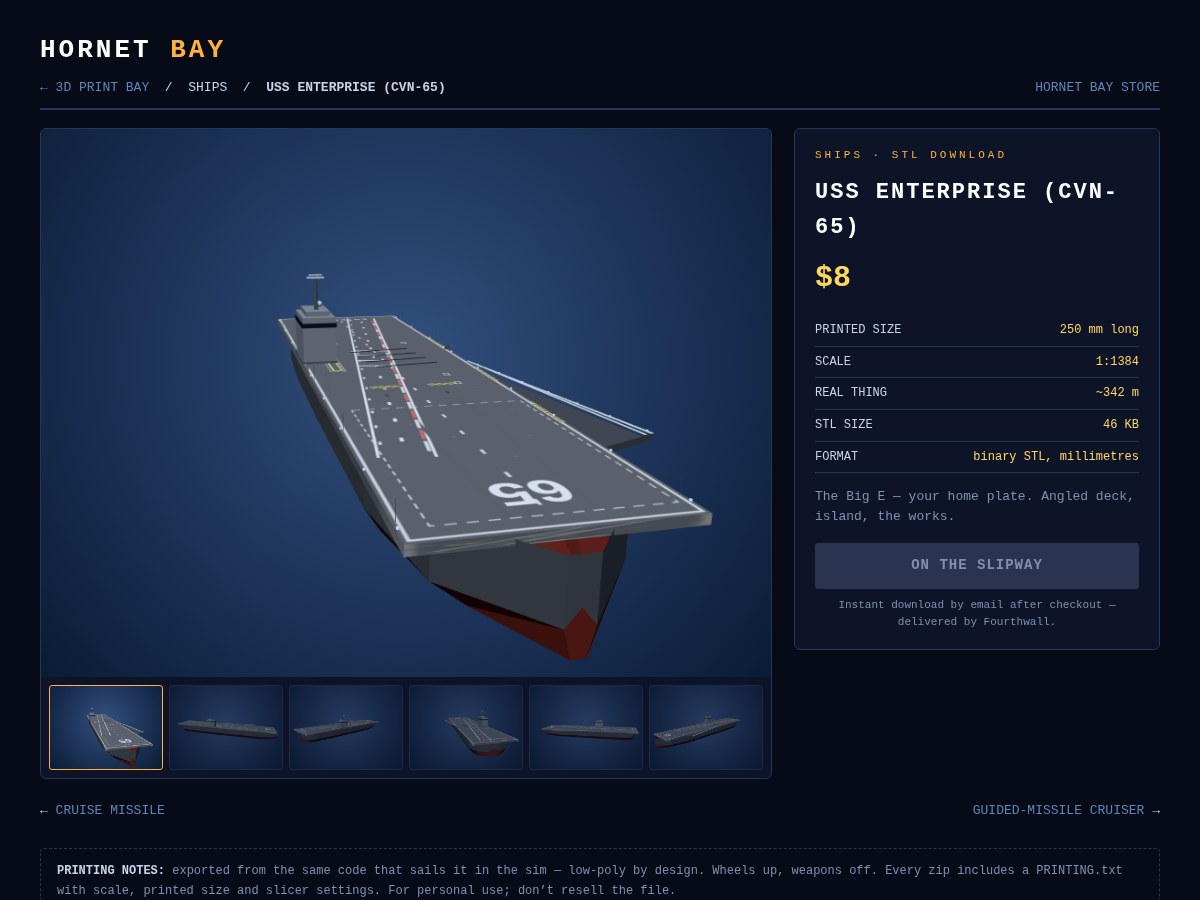
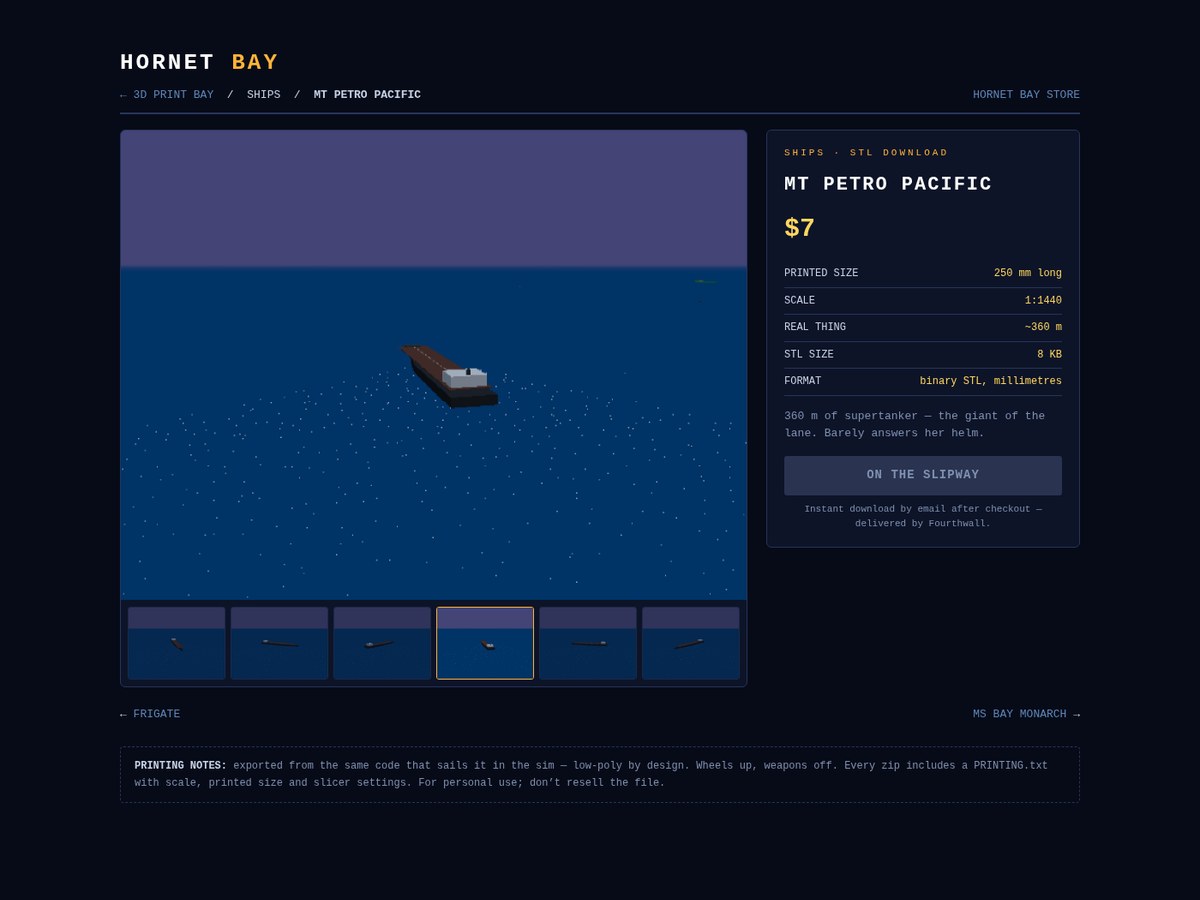
A large six-angle gallery on every page — the model captured all the way around in 1600×1200, with a thumbnail strip to step through the views. Walk around it before you print it.
Full spec sheet beside the viewer: printed size, exact scale, real length, file size, format — plus the blurb, the price, and the buy button (which lights up the moment the Fourthwall products go live, same as the shelf).
Prev/next navigation runs through the whole fleet, and every page carries Product structured data and its own canonical link — the sitemap now lists all 22.
Standing rule held: all 132 new captures were shot in the in-game gallery, the squadron’s official photo studio.
The models in the sim were too good to keep on the far side of the screen. The 3D Print Bay is open:
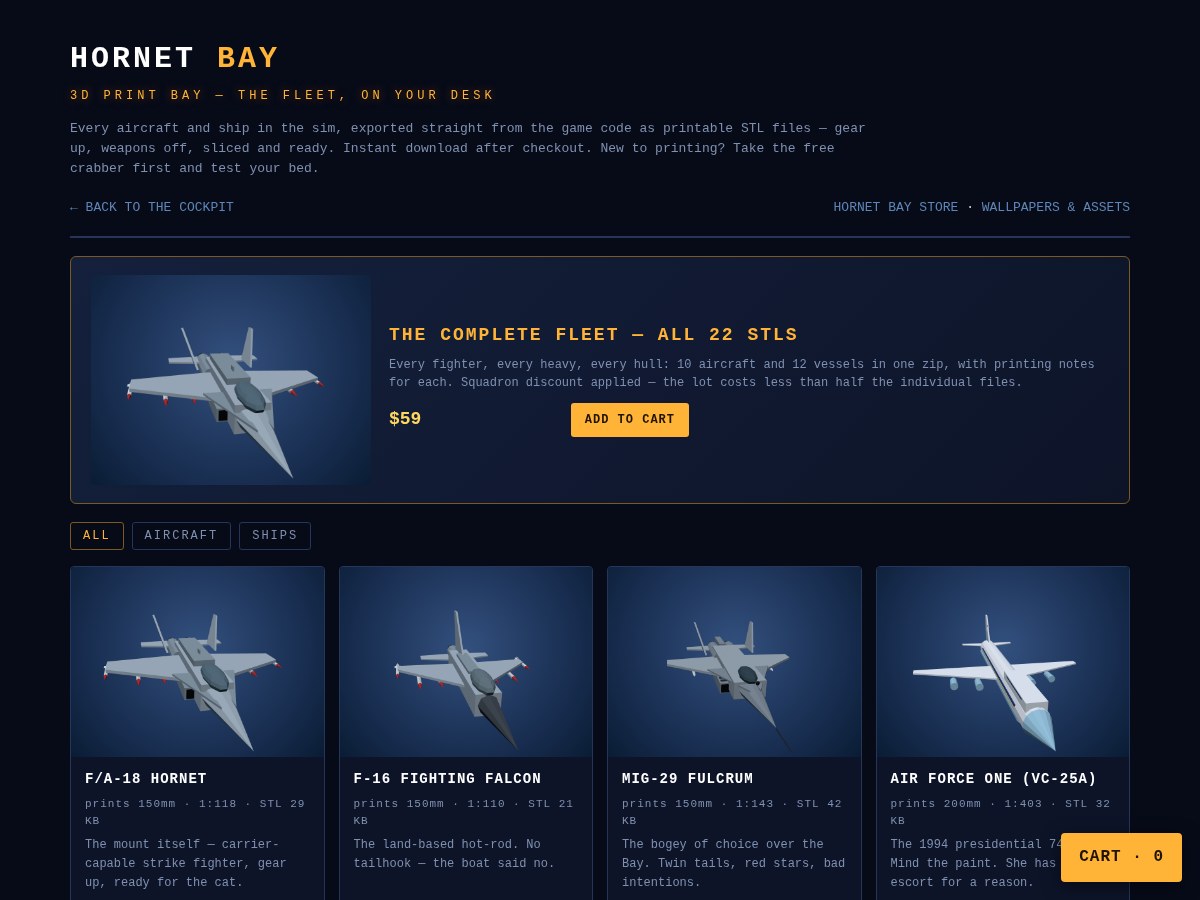
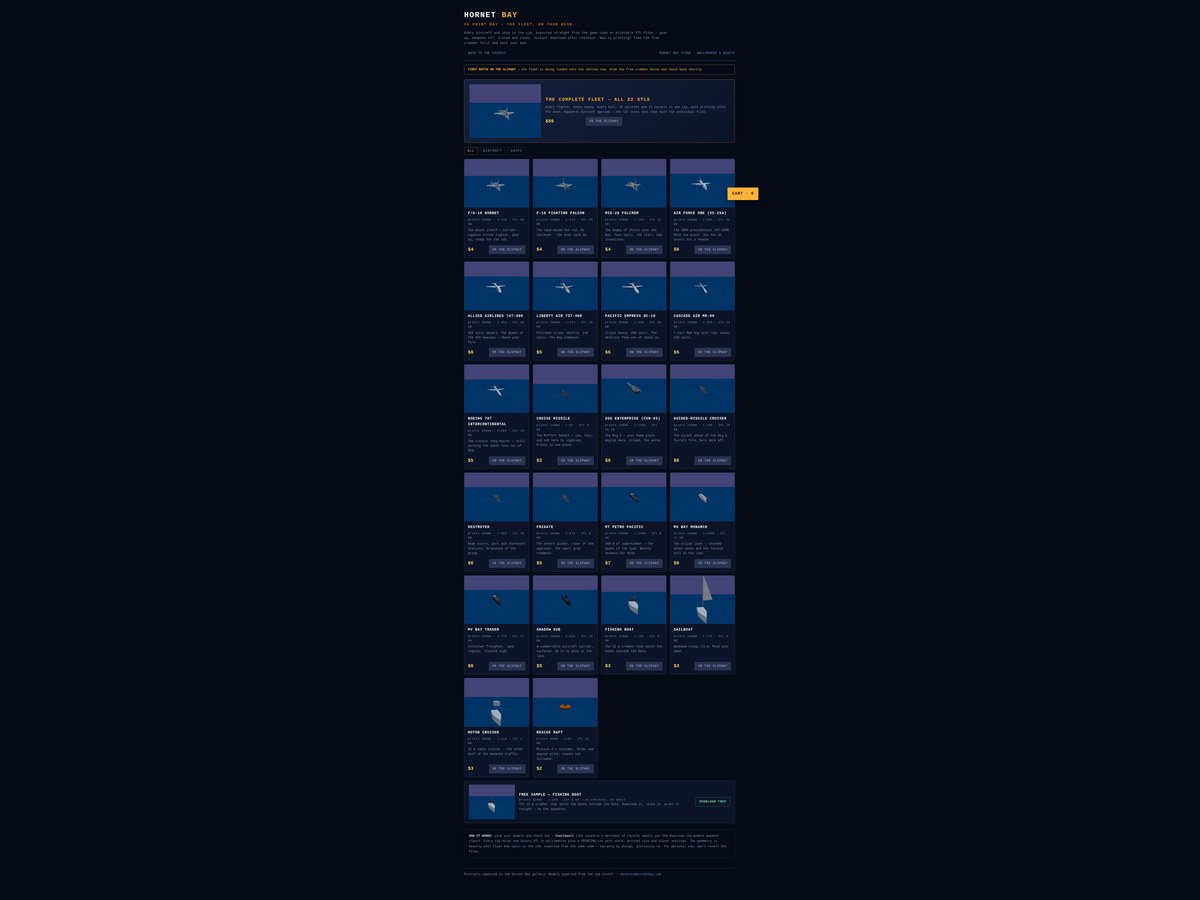
All 22 models as printable STL files — ten aircraft (Hornet, Falcon, MiG-29, the five SFO heavies, Air Force One, the cruise missile) and twelve vessels (the Enterprise, her three escorts, the supertanker, the cruise liner, the freighter, the sub, and the small traffic). Every one exported straight from the same code that flies and sails it in the sim — low-poly by design, gloriously so.
Print-ready out of the zip. Wheels up, weapons off, scaled in millimetres with the longest dimension sized for a standard print bed, and a PRINTING.txt in every zip with the scale, printed size and slicer settings. Ships print hull-down, no supports needed on most beds.
Priced per model — $2 for the little rescue raft, $4 for the fighters, up to $8 for the Enterprise — or take THE COMPLETE FLEET: all 22 files in one zip for $59, less than half the individual prices.
A free sample so you can test your bed first — the fishing boat zip downloads right from the page, no checkout, no email.
Checkout and delivery run through Fourthwall (the squadron’s merchant of record, same as the store): the download link arrives by email the moment payment clears. The paid files themselves are never exposed on the site — only the freebie.
Gallery coverage grew to make this possible: the Boeing 707, cruise missile, Shadow Sub and rescue raft all joined the showroom, and every card portrait on the page was captured in the gallery — squadron policy now.
The shelves are being stocked as this goes to press — if a buy button still says ON THE SLIPWAY, the crabber is free while you wait.
A batch of details that were bugging the flight line — features first:
Gallery gear toggle. Aircraft in the showroom now pose wheels-up by default, and G drops the gear (and raises it again) on anything that has wheels to show.
Spectate everything.J no longer stops at aircraft — it rides every contact in the bay, nearest first: airliners, MiGs, yachts, freighters, the supertankers, the escorts, and the Big E herself. While spectating, SHIFT+ARROWS or RIGHT-DRAG pans and tilts around the subject, WHEEL or [ ] zooms, and 0 reframes.
Pause means silence. Holding the sim with P now suspends the entire audio graph — engine, lock tones, gatling, weather, all of it — and releasing the pause brings it straight back.
And the fixes:
AI aircraft finally retract their gear. Any gear-equipped AI jet used to fly the whole sortie with its wheels hanging out — gear now comes down only on the ground and on final, and goes up the moment they’re airborne.
SFO’s south end is clear. Three terminal and hangar blocks overlapped the southern stretches of the 01L/01R strips; they’ve been shifted off the pavement. No more clipping a building on short final.
Menu titles cleaned up. The F1–F7 and ESC badges are gone from the MISSIONS rows — the keys work exactly as before, the titles just stopped shouting them.
Analytics were homepage-only. The GA tag only ever loaded on the front page, so every blog entry, tag page, the store and the assets shelf were invisible to it. The tag now ships on every page, through a loader that’s ready for Google Tag Gateway — it tries the first-party path first and falls back to Google’s CDN until the gateway is switched on.
The mission desk wants numbers, so numbers it gets — a proper analytics dashboard, plus the plumbing that feeds it:
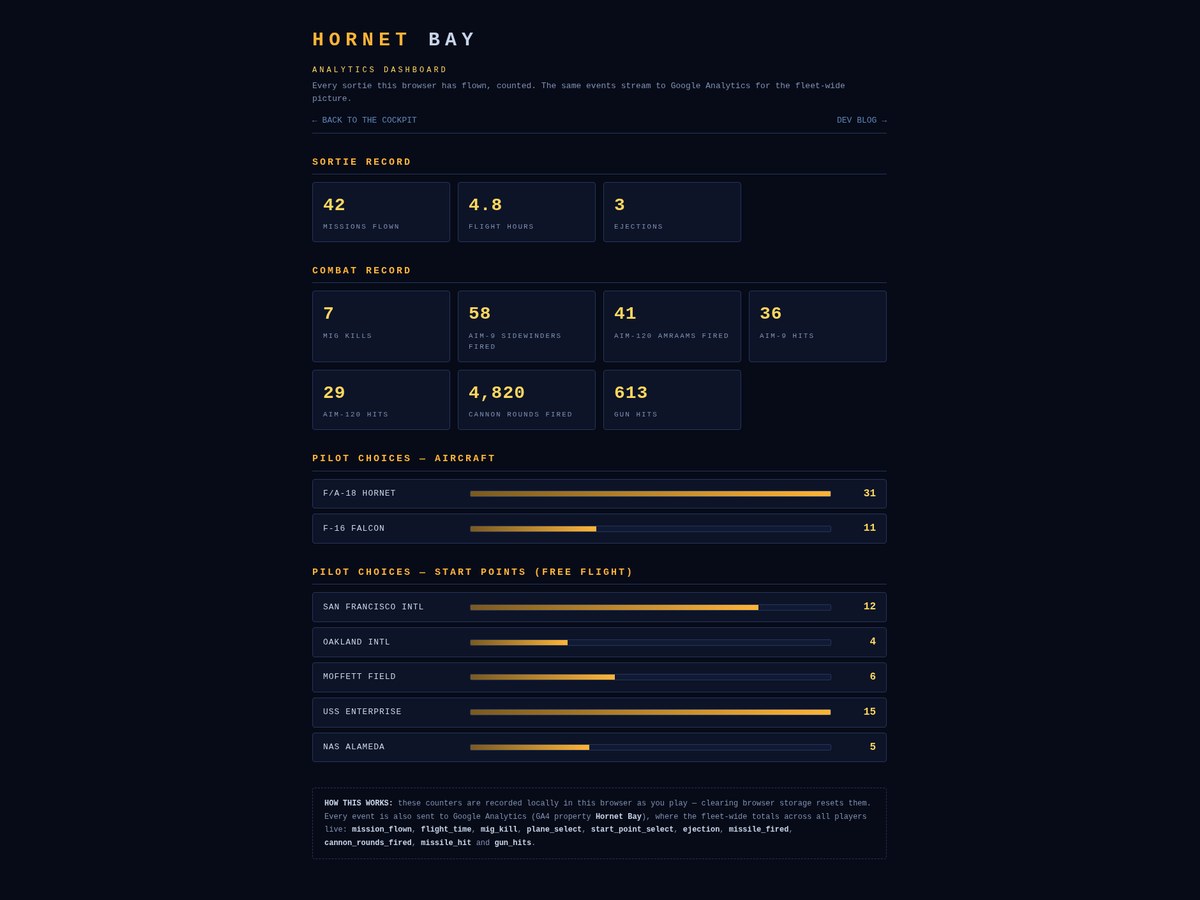
New dashboard at /analytics, styled to the squadron: SORTIE RECORD (missions flown, flight hours, ejections), COMBAT RECORD (MiG kills, AIM-9 and AIM-120 fired, hits by type, cannon rounds, gun hits) and PILOT CHOICES — Hornet versus Falcon picks, and how often each free-flight start point gets the nod, bars and all.
Every metric is counted as you play. Missions, flight time, MiG kills, plane and start-point selections, ejections, missiles by type, cannon rounds, missile hits by type and gun hits are all tracked live and kept between sessions. One honest caveat: the dashboard reads the counters in your browser — clear your storage and your record starts over.
Every metric also fires as a Google Analytics event — mission_flown, flight_time, mig_kill, plane_select, start_point_select, ejection, missile_fired, cannon_rounds_fired, missile_hit and gun_hits — so the fleet-wide picture across all players builds in the GA4 property. High-frequency streams (flight seconds, cannon rounds, gun hits) batch up and report once a minute and at the end of every sortie; the rest report the moment they happen.
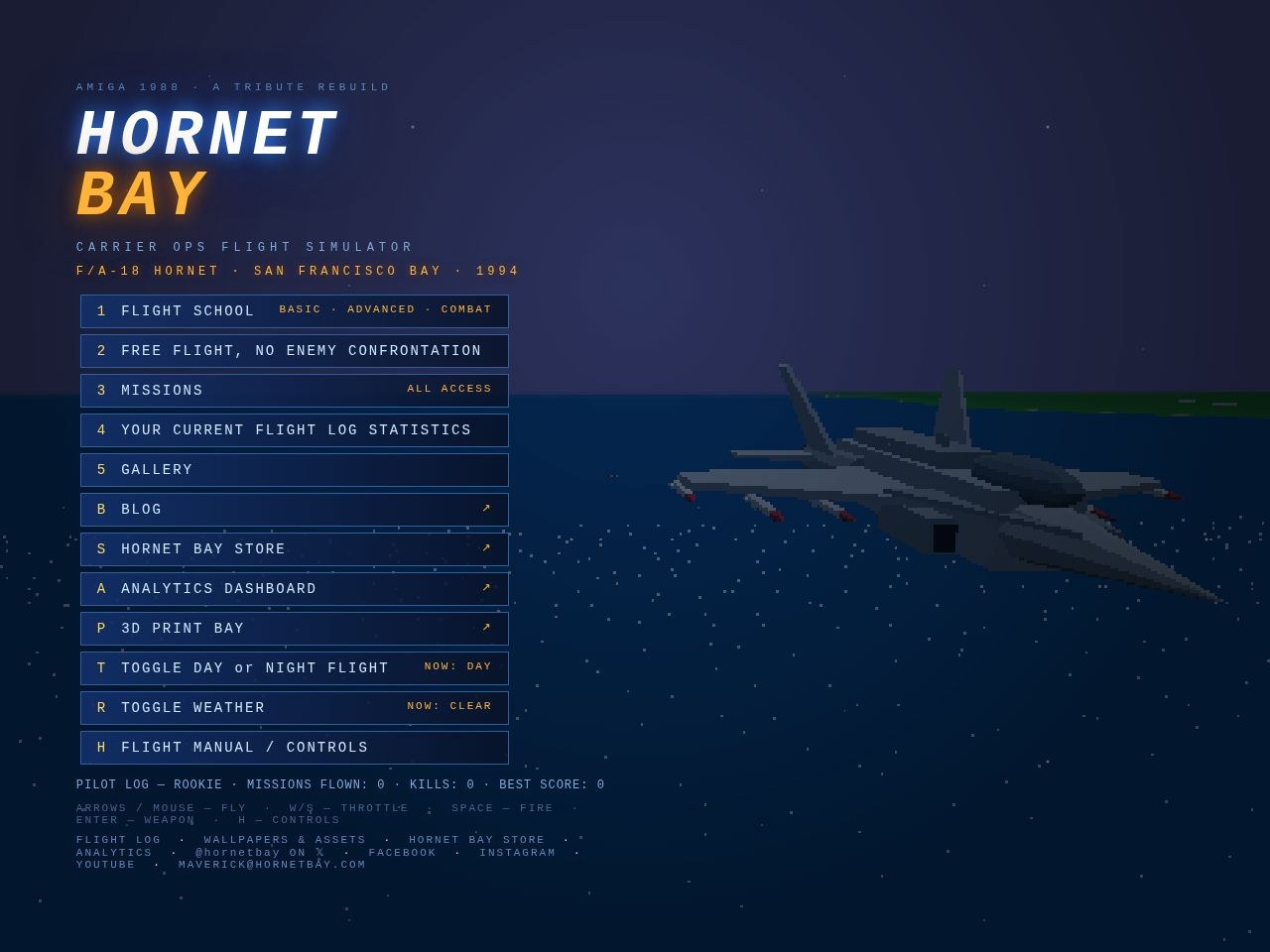
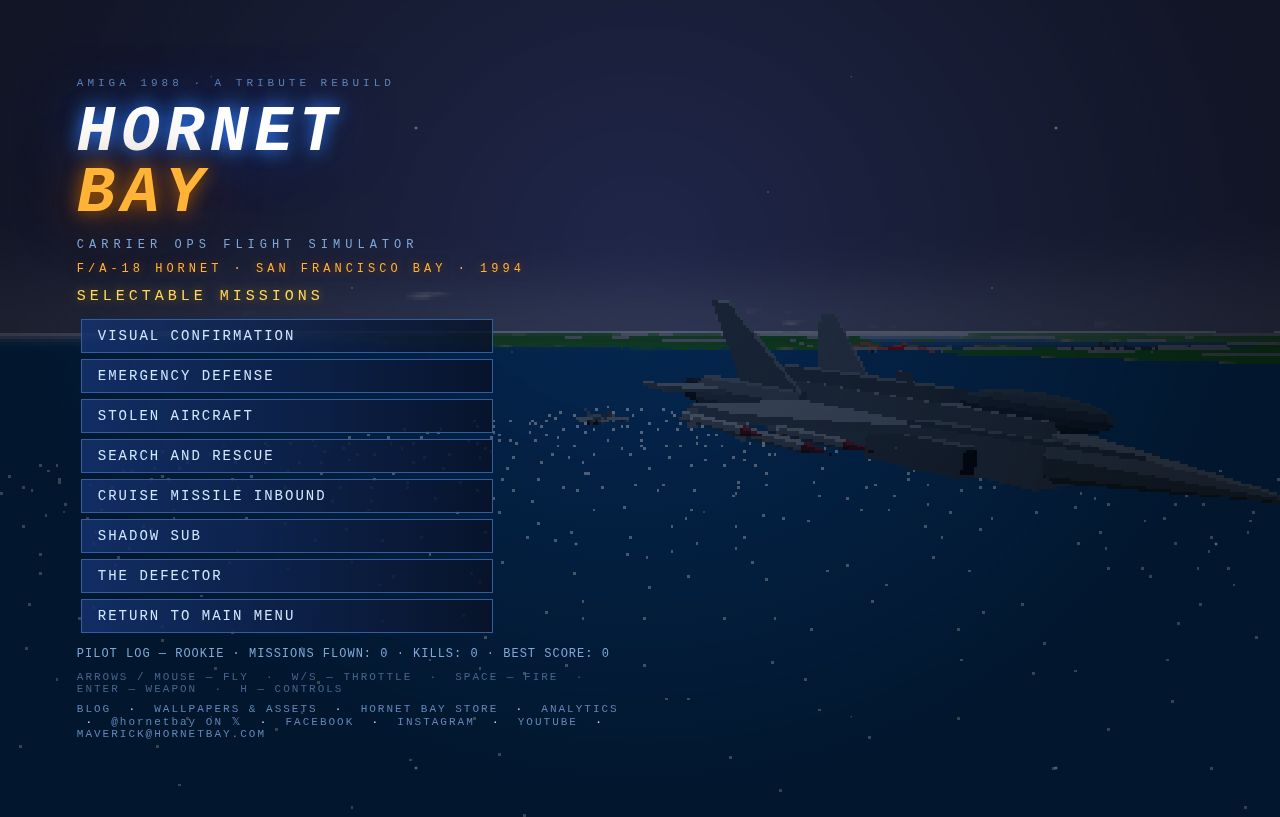
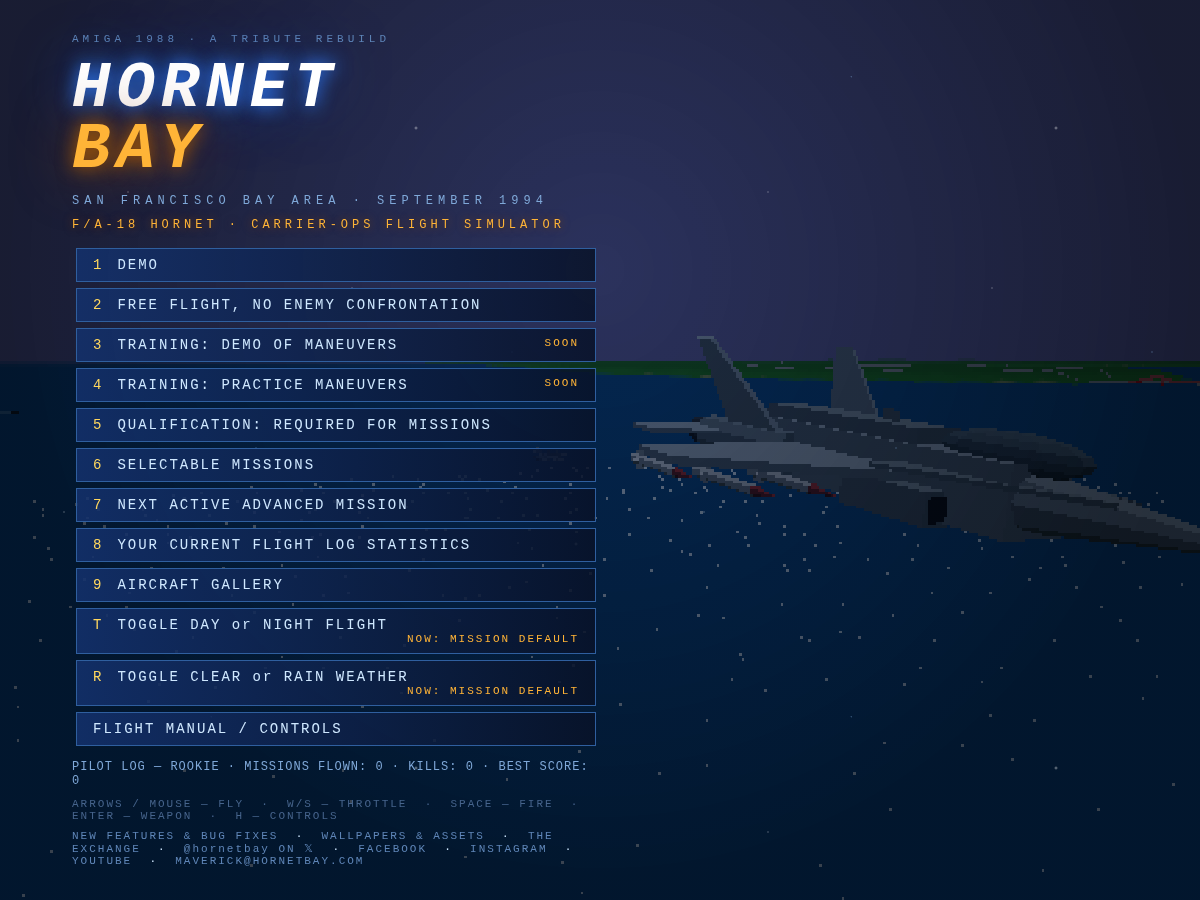
ANALYTICS DASHBOARD is a main-menu item (key A, opens in a new tab) — and DEMO has left the menu; the attract loop still runs behind the menu as always, it just no longer takes up a row.
Two menu-router bugs surfaced while wiring all this up, and both are fixed:
One keypress was being spent twice. Hitting 2 for FREE FLIGHT used to open the start-point map and — in the very same instant — let that same 2 fall through to the map and pick Oakland for you. The menu now swallows any key it consumes.
F1–F7 work in MISSIONS again. The rows always said F1, F2, F3… but the keyboard router wasn’t listening for F-keys — mouse or nothing. Now the keys do what the badges promise.
A big batch of small doors and corridors this time — plus one very big grey hull:
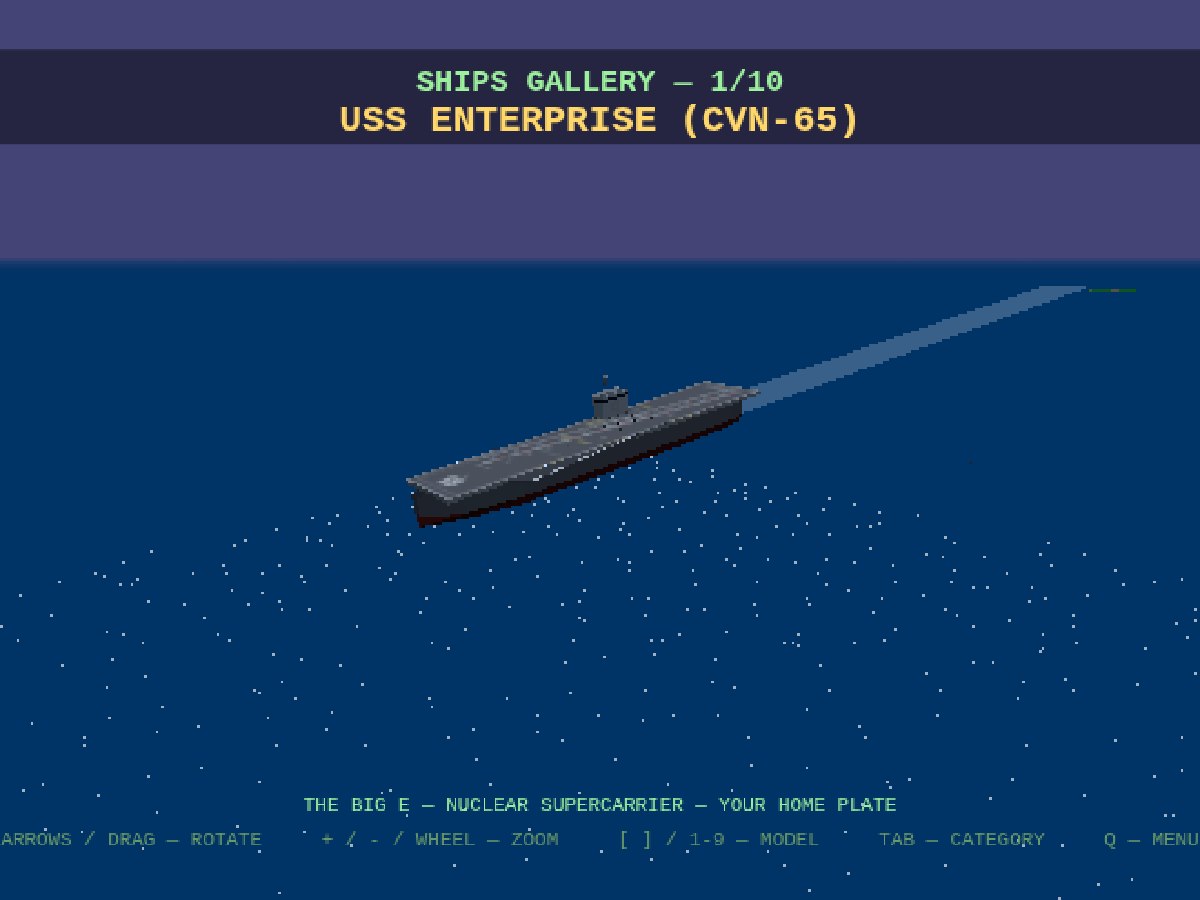
The gallery now covers every aircraft and every ship in the game. Eight airframes and ten hulls: the Big E, her cruiser, destroyer and frigate escorts, MT PETRO PACIFIC, MS BAY MONARCH, MV BAY TRADER, and the fishing boat, sailboat and motor cruiser that clutter the weekend lanes.
It is split into two categories — AIRCRAFT and SHIPS. TAB jumps between them; [ ] or 1–9 still step through the exhibits, and every model remembers its own sensible viewing distance.
SELECTABLE MISSIONS is now simply MISSIONS, and NEXT ACTIVE ADVANCED MISSION has left the menu — the missions speak for themselves.
BLOG is a main-menu item (key B, opens in a new tab), and the homepage link is retitled to match.
HORNET BAY STORE is a main-menu item (key S, new tab) — the old Exchange link is retitled too.
Every blog tag is now a page. Each tag chip links to its own stub — /blog/tag/ships and friends — and the blog carries a tag sub-menu up top, so you can read by topic: FEATURE, CONTENT, SHIPS, SITE and the rest.
One housekeeping note: from now on, every model screenshot you see here comes straight from the gallery — and any new model that joins the game joins the gallery at the same time.
Two more channels report for duty: Hornet Bay on Facebook and @hornet_bay on Instagram are live, wearing the squadron badge and flying the launch post. They join X and YouTube in the home-menu footer and at the bottom of every journal page — one look, one squadron, everywhere. Follow along for fleet videos, tutorial lessons, and the occasional court martial.
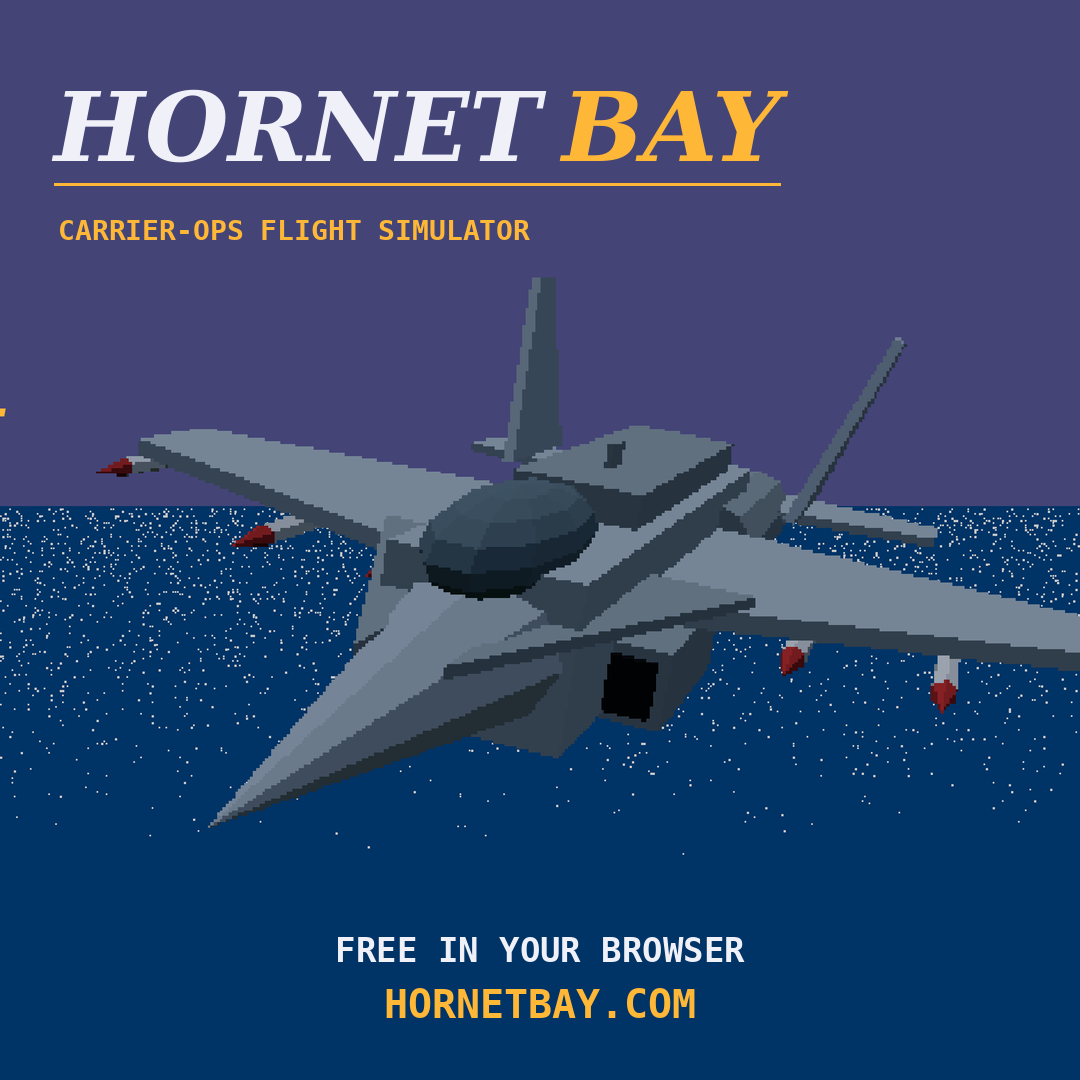
The squadron is standing up its Facebook page and Instagram account, and the quartermaster now issues the full kit: the profile badge at a crisp 1000×1000 (the head-on Hornet roundel, safe in any circular crop), the Facebook cover with the URL tag, the existing X cover and YouTube banner, and a new square launch post (1080×1080) sized for the FB and IG feed — “FREE IN YOUR BROWSER — HORNETBAY.COM.” Same sky, same water, same Hornet: one look across every channel.
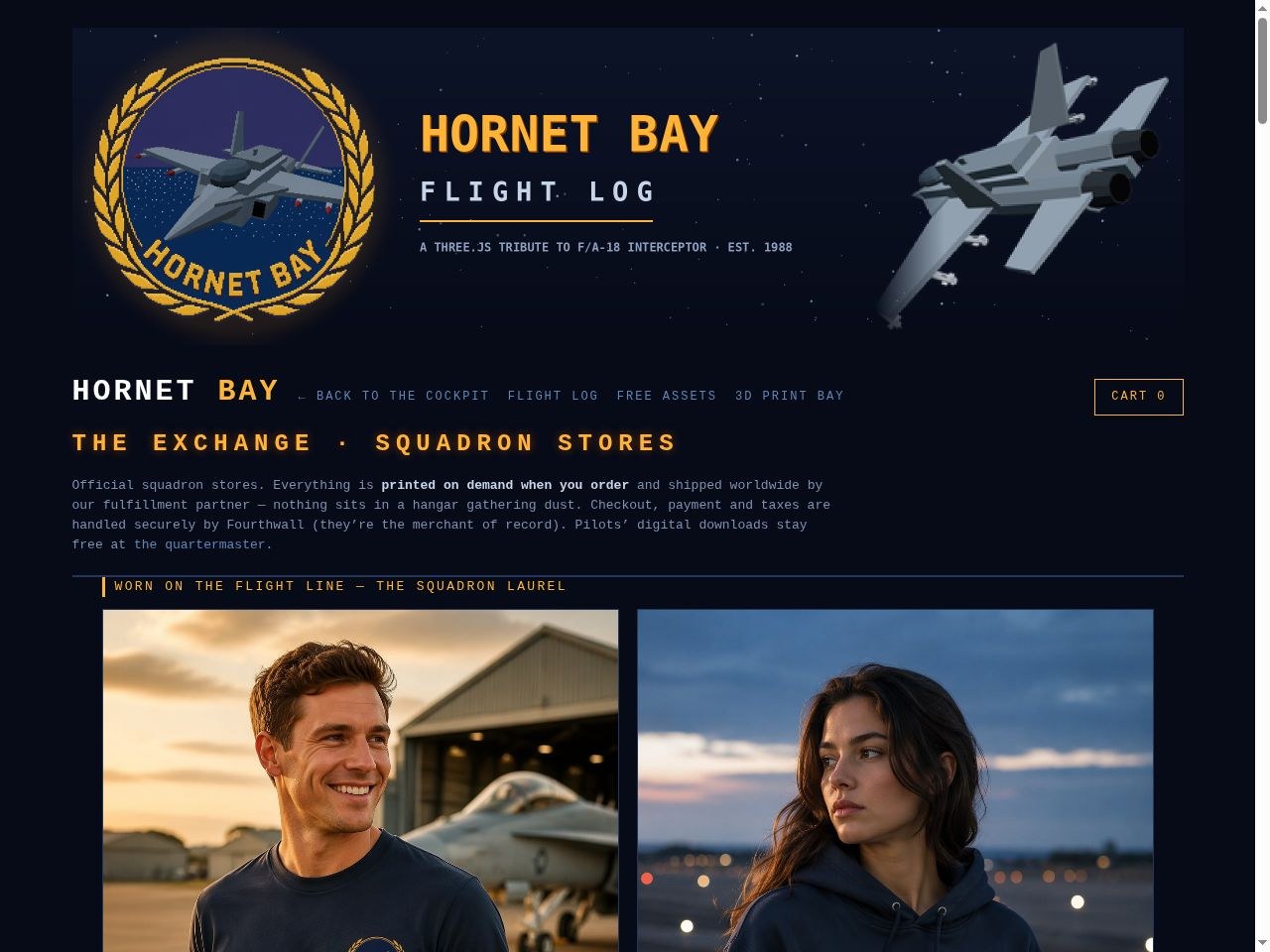
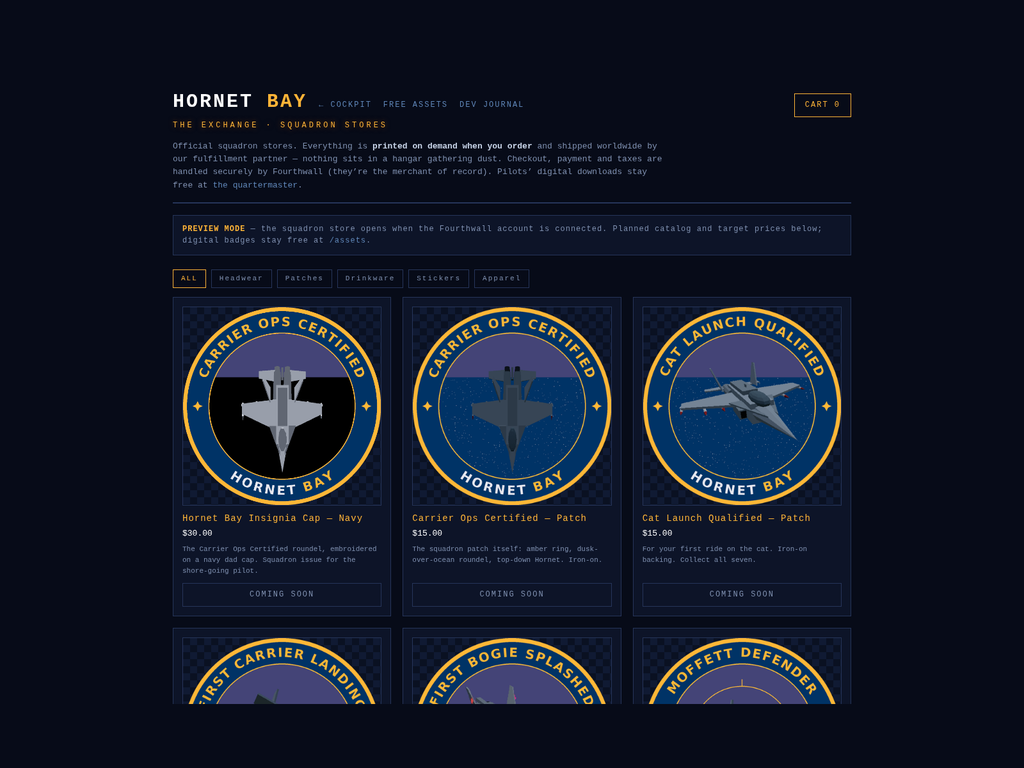
Squadron stores are coming: hornetbay.com/store — The Exchange — is live today in preview mode with the planned catalog and target prices. The launch lineup: a navy dad cap with the embroidered insignia, all seven embroidered iron-on patches (Carrier Ops Certified plus the six reward badges — collect them all), an 11oz insignia mug, a sticker sheet with every badge, and a navy wordmark tee. Everything is printed on demand when ordered and shipped worldwide — nothing sits in a hangar; checkout, payment and sales taxes run through Fourthwall as merchant of record, so there’s no Shopify and no stockroom.
The whole store is built API-first. A new embroidery-safe variant of the insignia (five thread colors, flat grays) leads a production artwork pack; a product spec defines all eleven SKUs; and a setup script drives Fourthwall’s Platform API — artwork upload, product-template matching, mockup rendering, pricing as base cost plus margin — so the catalog is created by code, not an afternoon of clicking. The storefront page itself is custom headless: it will pull the live catalog from the Storefront API and hand buyers to hosted checkout, all without leaving hornetbay.com. The only missing piece is the shop account itself — once it’s connected, The Exchange flips from preview to open for business. Digital badges and wallpapers, as always, stay free at the quartermaster.
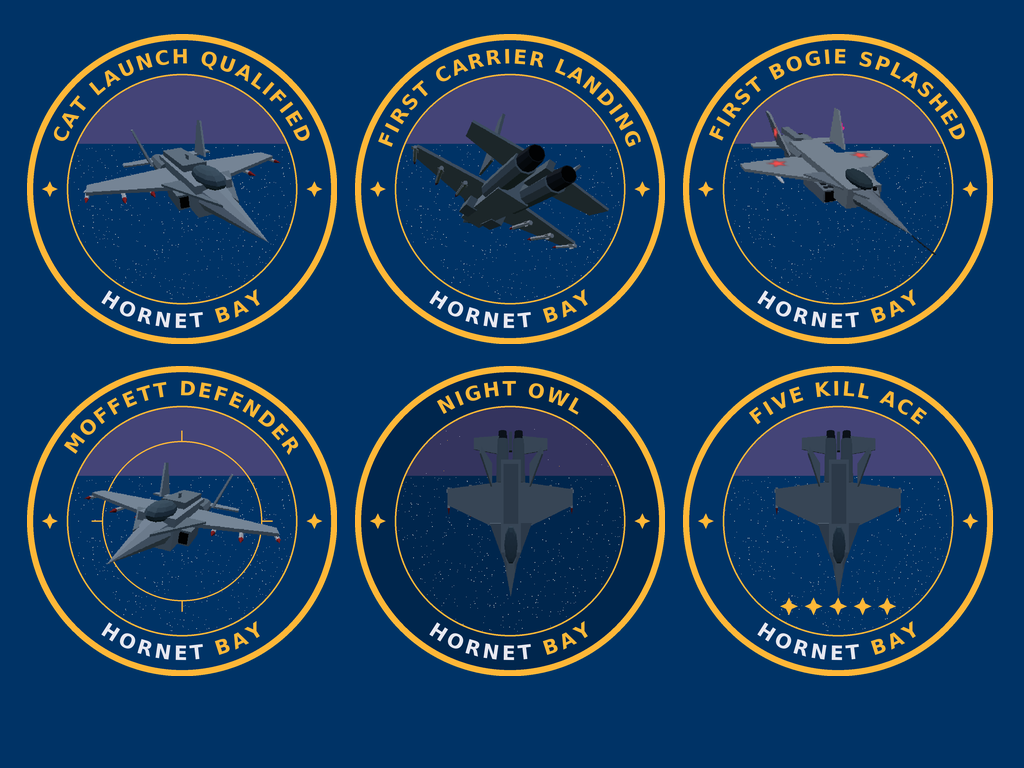
The Carrier Ops Certified insignia has company: a family of six reward badges has landed on the assets page, one for each milestone that matters in a naval aviator’s logbook. CAT LAUNCH QUALIFIED for your first ride on the cat. FIRST CARRIER LANDING for your first trap back aboard. FIRST BOGIE SPLASHED for your first confirmed kill — starring the enemy MiG-29 Fulcrum from the aircraft gallery, red stars and all. MOFFETT DEFENDER for splashing the cruise missile before it reaches the airfield, with a reticle on the roundel for good measure. NIGHT OWL for launching and recovering after dark, flown under a star-dotted cap. And FIVE KILL ACE, five amber stars under the Hornet, for the Bay’s finest.
Every patch follows the same design law as the insignia — amber ring, dusk-over-ocean roundel, arc text, and imagery captured from the game’s own models (the Fulcrum posed in the aircraft gallery for its close-up). Each comes as a 1200×1200 transparent master plus a 400×400 avatar cut, free at hornetbay.com/assets. Fly the sortie, earn the patch, post it.
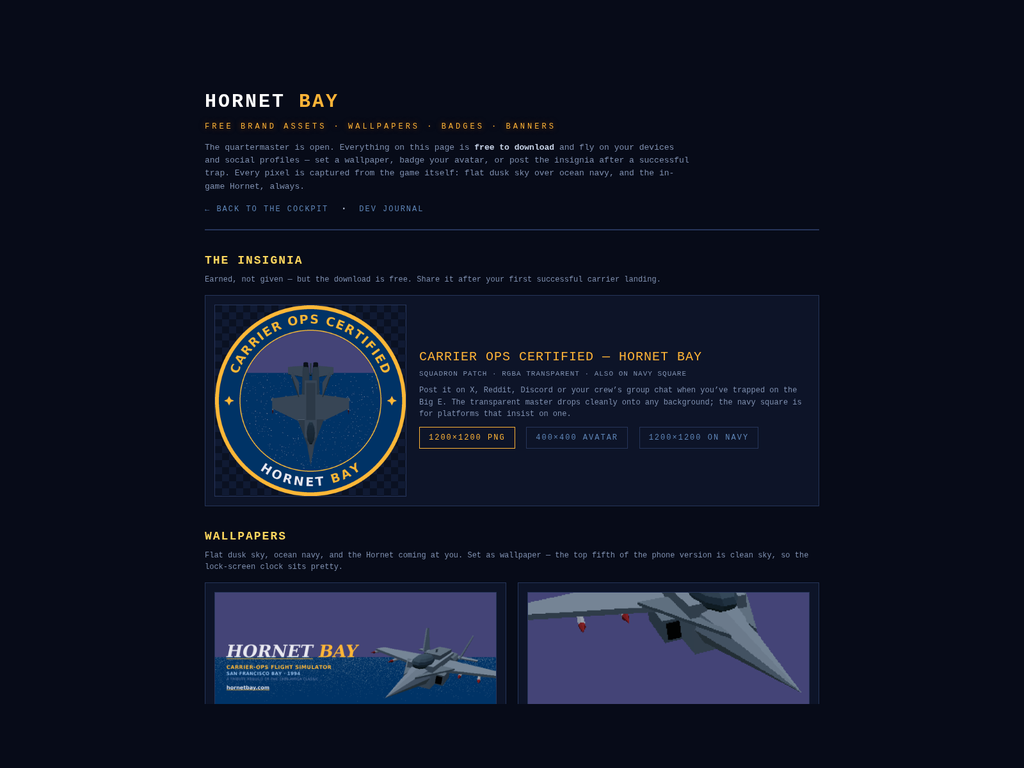
There’s a new public page on the site: hornetbay.com/assets — the quartermaster, where every official brand asset is a free download for your devices and social profiles. On the shelves at opening: the desktop wallpaper (4K, the head-on Hornet coming at you over the horizon) and the iPhone wallpaper (1206×2622, native for iPhone 17 with a clean top fifth for the lock-screen clock), the universal profile badge in 400 and 800, and the X cover and YouTube banner for your own pages. Every piece follows the style guide — flat dusk sky over ocean navy, and the Hornet always captured from the game itself.
The headline item is brand new: the CARRIER OPS CERTIFIED — HORNET BAY insignia. A proper squadron patch — amber ring, dusk-cap-and-ocean roundel, the top-down Hornet with its fins in the cap, arc text up top and the wordmark split below. It comes as a transparent 1200×1200 master, a 400×400 avatar cut, and a navy-square version for platforms that insist on one. It’s for celebrating a milestone: trap your first landing on the Big E, then post the patch. Earned, not given — but the download is free.
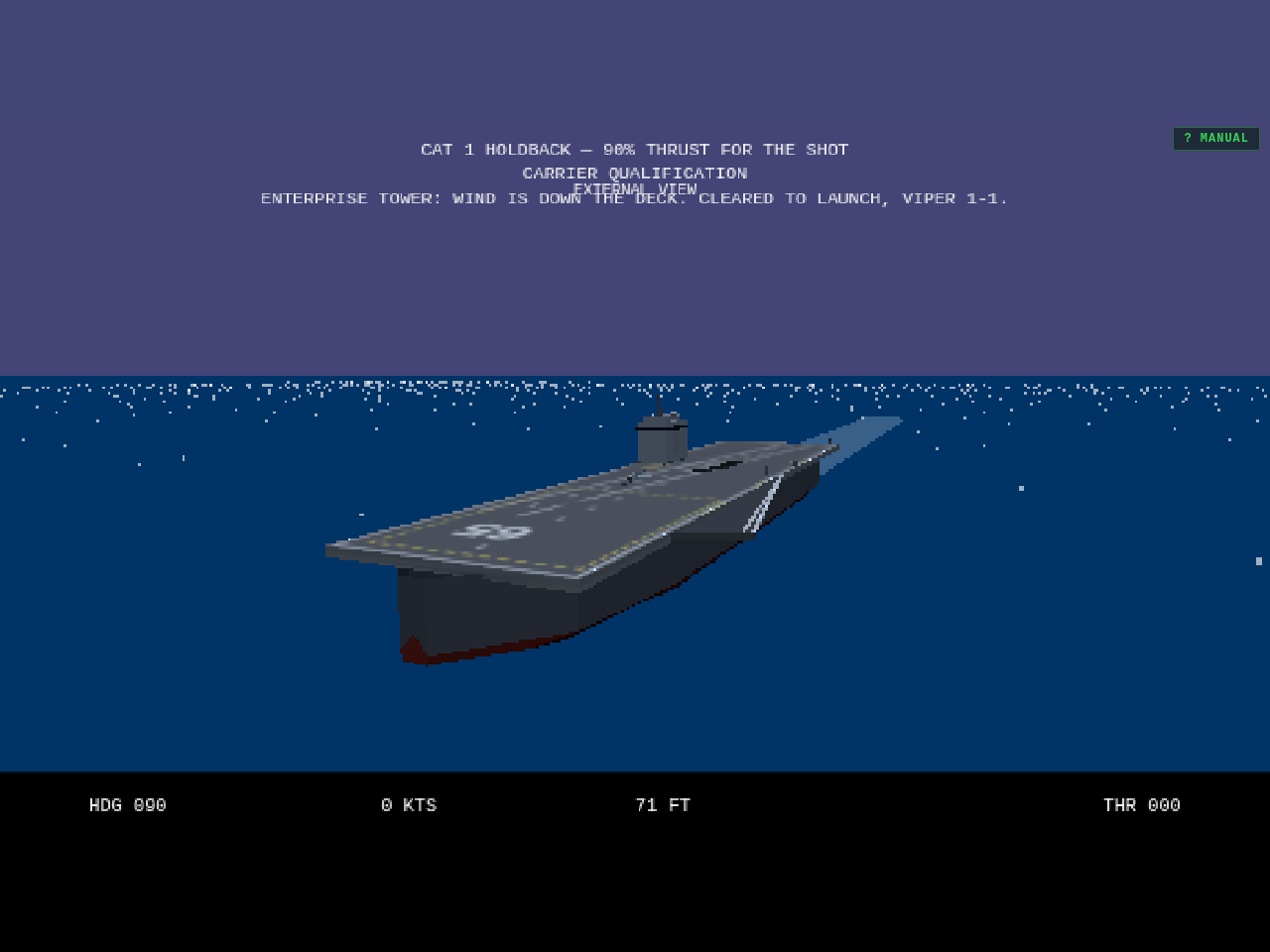
Three carrier truths restored. The painted angle deck ran to starboard — the deck texture was mirrored, so the strip drifted toward the island instead of away from it; it now angles to port, agreeing with the sponson, the wires and the meatball. The island itself is rebuilt as CVN-65's signature flat-roofed box with billboard radar panels and just a small mast, and it's moved aft of midships where the Enterprise carries it — from the catapult shuttle the bridge now sits 80 metres behind you, out of sight, instead of looming ahead-right. And the journal has a real home: hornetbay.com/blog, with every entry living at its own permalink (this one is /blog/enterprise-island-blog). Old changelog.html links redirect; RSS and the search engines get a sitemap.xml and robots.txt for the asking.