Rotation-lock detective: when ROTATE YOUR DEVICE never ends f4d11ff
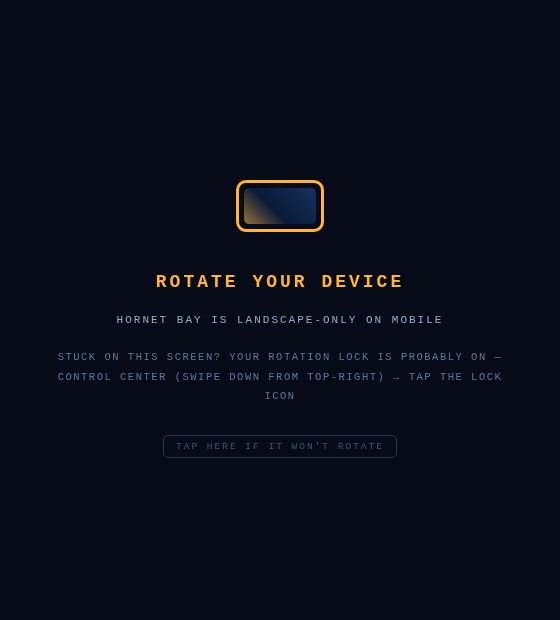
Second field report from the iPhone: "I selected free flight, rotated my device as instructed, and nothing changed — the animation continued to animate." Two bugs in one sentence. Bug one: the pilot was able to select FREE FLIGHT while the blocking overlay was up — it turned out the overlay lived inside #touch-ui (z-index 12), which stacked it below the menu (z-index 20), so in menu state the "blocking" overlay ghosted underneath and taps fell straight through to the buttons. It's now a direct child of the body where its z-60 genuinely tops every gameplay layer, in every state — and the suite gained a regression check that pokes a menu button through the overlay to prove it. Bug two is sneakier: with iOS Portrait Orientation Lock on, rotating the phone never changes the browser viewport at all — the page stays portrait, the overlay keeps spinning, and the pilot is stuck with no idea why. The page can't see the lock switch, so the overlay now says it out loud: sit on the overlay for six seconds and a hint fades in — "STUCK ON THIS SCREEN? YOUR ROTATION LOCK IS PROBABLY ON — Control Center → tap the lock icon" — plus a TAP HERE affordance that requests motion-sensor permission; once the gyro is readable, physically rotating to landscape while the viewport stays portrait lights the hint up in pulsing amber. No sensors, no problem: the static hint still points at Control Center. Full gate: 43/43.