From screen to shelf — a maker’s guide to the 3D Print Bay
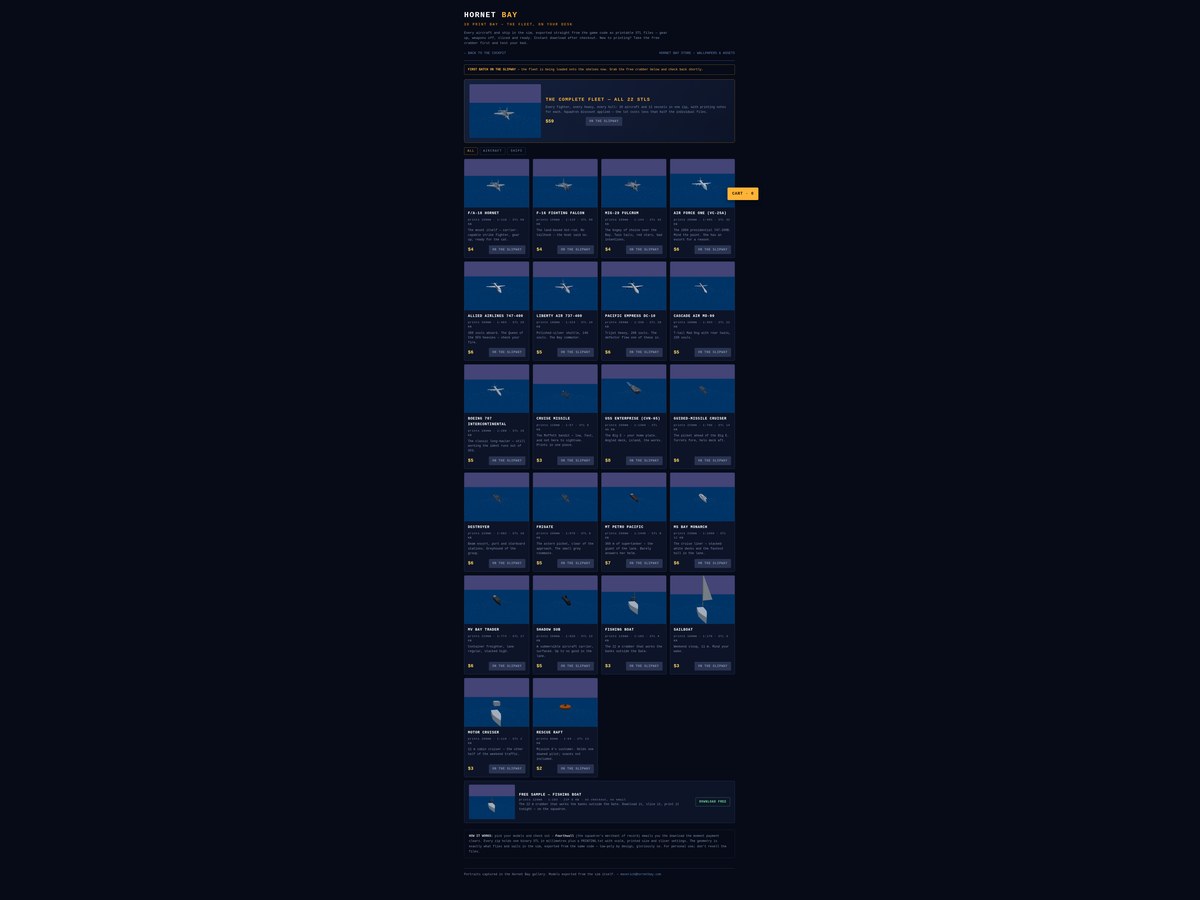
Every Hornet Bay model is exported straight from the game code as a printable STL, with scale and slicer notes in every zip. Here is how to go from download to finished model, starting with the free fishing boat.
Every model in the 3D Print Bay comes out of the same low-poly code that flies and sails it in the sim, so there is no remodelling step between your screen and your build plate. Here is how to get from a download to a finished model on the shelf.
Start with the free one
The fishing boat zip downloads straight from the page with no checkout. It prints about 120 mm long (1:183), which makes it a cheap bed-levelling test before you spend anything. The story of how the shop opened is in The 3D Print Bay: the fleet, on your desk.
What is in each zip
- A binary STL in millimetres, gear up, weapons off, exported straight from the game code.
- A PRINTING.txt with the real length of the aircraft or ship, the printed length and the scale. The F-14 prints at about 150 mm for a real ~19.1 m, which is 1:131. The Hornet is 1:118 at the same 150 mm.
- Slicer settings: PLA, 0.12–0.2 mm layers, 2–3 walls, 10–15% gyroid infill.
By the numbers
- 37 models in the print manifest, from the 80 mm rescue raft () to the 250 mm Enterprise ().
- Fighters print at about 150 mm long. The airliners are sized to 180–200 mm.
- Aircraft print belly-down; a few supports under the nose and tail help. Ships print hull-down, no supports needed on most beds.
- The Hornet file is 29 KB and the Falcon 21 KB, after the wheels-up fix stripped out their landing gear.
Two things that surprise people
The shells overlap by design, the way game models are built. PrusaSlicer, Orca and Cura union overlapping volumes automatically, so do not panic if a mesh checker grumbles. And the files are display models: not watertight-rated for RC use. Rescale freely in your slicer, because the geometry is exact. Personal use only, so print one for your desk, but do not resell the file.
Not sure which to buy first? The model pages show every one before you commit.
Try this: print the fishing boat first, then the Hornet, and park them next to each other. The scale difference tells you more than the spec sheet.
— HB